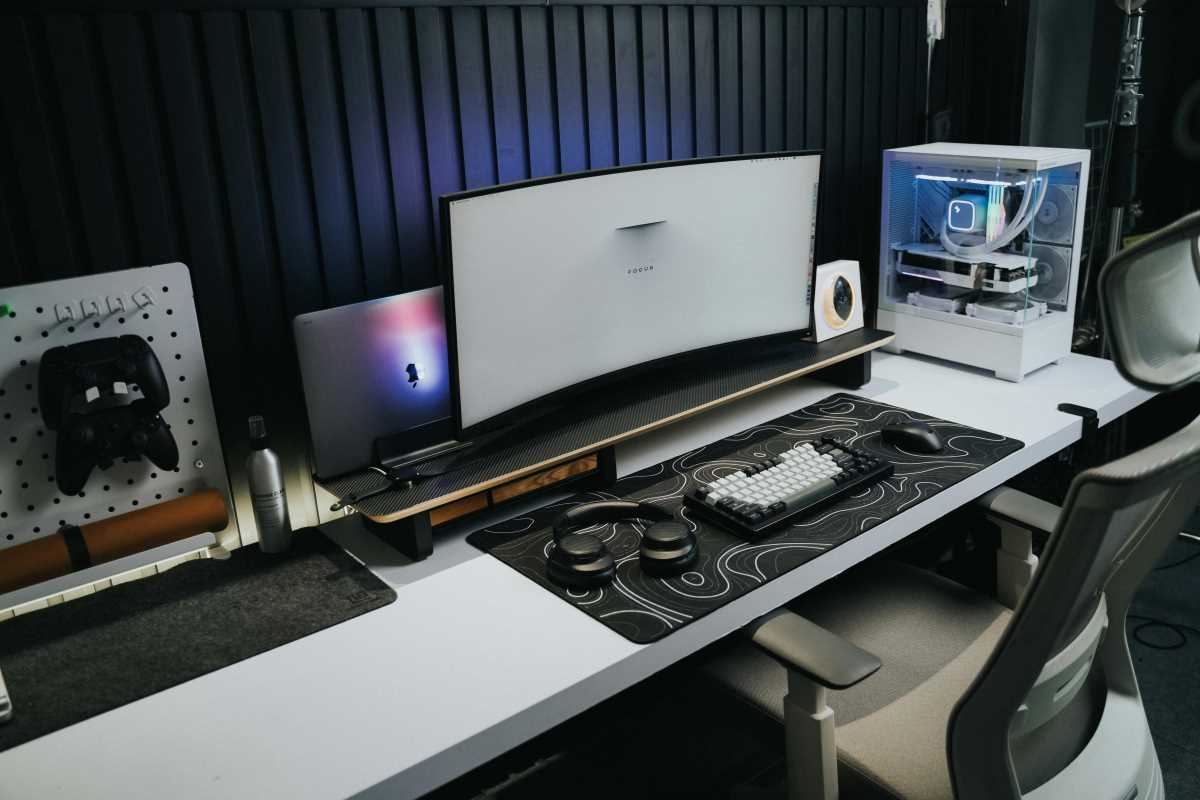
The adjustable standing desk is no longer a niche luxury; it’s a standard fixture in the modern office, whether you work in a bustling corporate tower or a dedicated home setup. We know movement is important for health and focus. The global standing desk market, valued at approximately USD 7.8 billion in 2023, is projected to soar to USD 12.6 billion by 2032, proving this trend has serious momentum. But this dynamic setup brings a unique, frustrating problem: cable clutter. When you transition your desk from sitting height to standing height—sometimes several times an hour—you are actively stretching, pulling, and tangling the wires connected to your monitors, charging bricks, and docks. Sound familiar? This is why the market has shifted its focus. Simply adding height adjustment isn’t enough. Today’s premium desks must offer integrated cable management. This isn't just about aesthetics; it’s about creating a safe, highly functional workspace that eliminates the cognitive distraction of a tangled mess and supports the very ergonomics you invested in.
Anatomy of Effective Built-In Cable Management
When evaluating a new adjustable desk, you need to look beyond the desktop finish and focus on the hardware underneath. What separates a truly great desk from a basic model is how seamlessly it handles the infrastructure of your digital life.
Effective cable management is more than just a sticky clip or an afterthought zip tie. It requires purpose-built solutions that move with the frame.
• Integrated Power: The highest-end desks, like the Secretlab Magnus Pro, actually build the power plug directly into the leg. This eliminates the need for a long, dangling power strip cord, which is often the biggest source of cable strain when moving the desk.
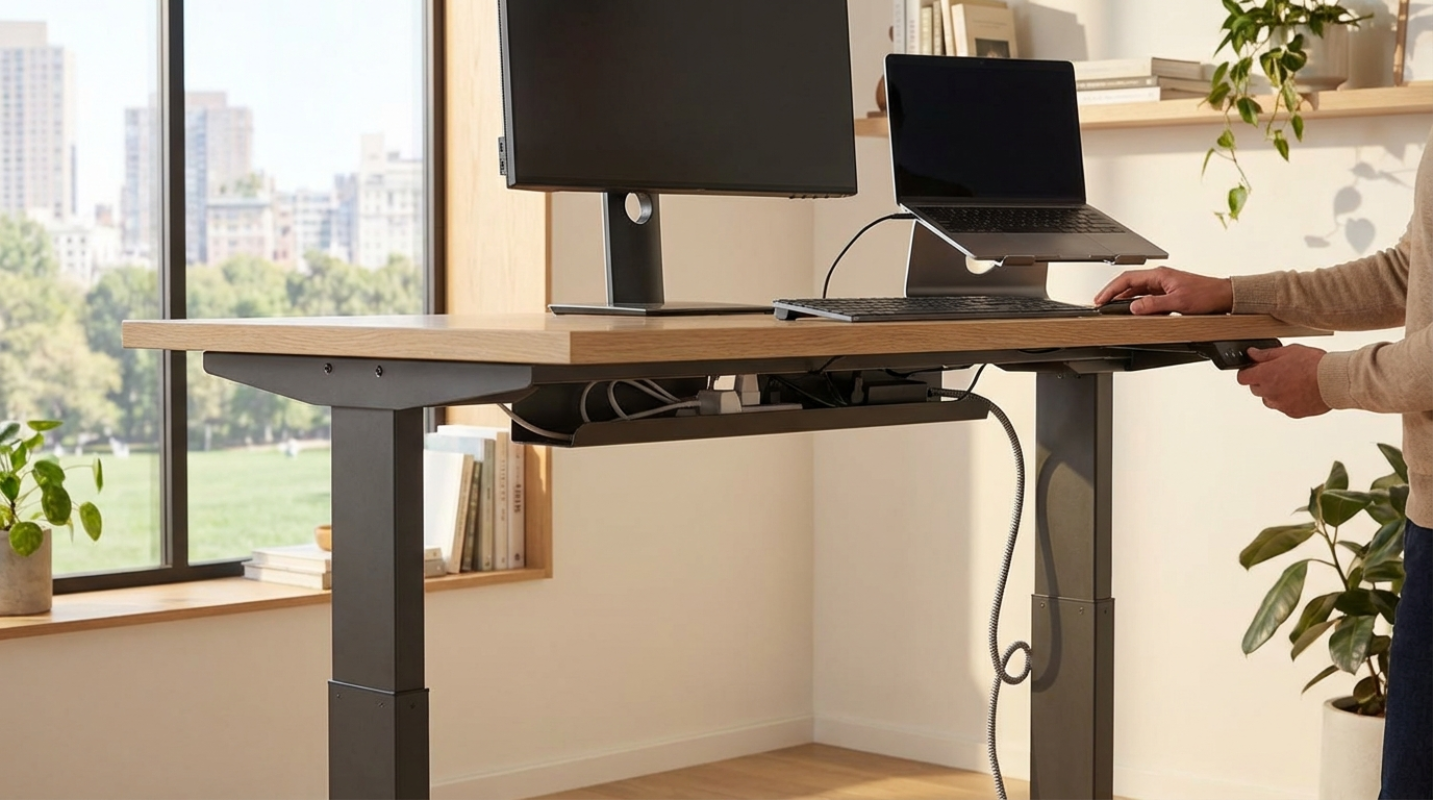
• Hidden Trays and Channels: Look for deep, full-length cable trays that are easily accessible but completely hidden from view. Models like the FlexiSpot FQ1M are praised specifically for including excellent trays designed to house power bricks and excess wire length.
• Grommets and Routing: Channels built into the frame or legs make sure that the necessary slack required for height adjustment is managed internally, preventing accidental snags or damage.
Why is built-in superior to aftermarket solutions? Simple: movement. Aftermarket trays and sleeves often restrict the necessary slack required for the desk to move 20 or 30 inches without pulling the wires out of your monitor ports. Integrated systems are designed to secure the wires while allowing them to travel safely. This security matters to maintaining the "emotional pivot" of the height adjustment—the mental reset you get from changing posture shouldn't be ruined by a cord catastrophe.
Key Features in Today's Top Desks
Ready to upgrade? When shopping for your next command center, you need to prioritize three things: stability, height range, and the quality of the cable routing.
First, check the weight capacity and stability. If you run a multi-monitor setup, you need a desk engineered for strength. The FlexiSpot E7 Pro, like, has a dual-motor system and a 440 lbs load capacity. A wobbly desk, no matter how clean the cables are, defeats the purpose.
Second, examine the power integration. Desks that include built-in USB charging ports or integrated power strips (like the Autonomous SmartDesk 5 Pro) simplify your setup dramatically. This means fewer wires running to the wall and more devices staying charged.
Finally, think about accessibility. A great cable management system keeps wires out of sight but still allows you to access chargers or swap out peripherals without needing to get on your hands and knees. The Uplift V3, often cited as a top overall desk, includes a customizable system that makes cable access straightforward.
Investing in a complete ergonomic solution pays dividends. A study from the CDC found that workers using proper ergonomic setups reported feeling 30% less discomfort every day. Integrating cable management is necessary to achieve that seamless, low-stress environment.
How Tidy Wires Boost Performance
We often underestimate the psychological toll of visual clutter. A desk covered in looping, tangled cables creates a high cognitive load. You spend mental energy registering the mess, even if you’re not actively thinking about it. The design philosophy is simple: a clear desk reflects a clear mind.
Integrated cable management solves this, allowing you to focus completely on the task at hand. This reduction in distraction is a major component of the productivity gains standing desks offer—research indicates they can boost productivity by 10–20% by encouraging movement and reducing musculoskeletal issues.
Beyond focus, there's the important safety factor. A "cable nest" on the floor is a physical hazard that can cause trips, especially in busy commercial environments, which accounted for approximately 79% of standing desk sales in 2023. Plus, secure cable routing protects your expensive electronics from accidental disconnection or strain damage caused by height adjustments. It’s an insurance policy for your gear.
Future Trends and Getting Your Setup Right
The evolution of the standing desk is far from over. We’re moving toward intelligent workspaces where wires are entirely optional. Future trends include widespread integration of wireless charging pads directly into the desktop surface and even more sophisticated smart desks featuring IoT connectivity. These desks will be able to monitor your posture, remind you to stand, and tailor height adjustments based on your usage patterns. Strong cable management is the foundational requirement for these future "smart" setups to function cleanly.
If you are currently in the market, demand excellence. Don't settle for a basic frame and an empty promise. Look for brands known for complete accessories—magnetic covers, sturdy trays, and integrated power solutions.