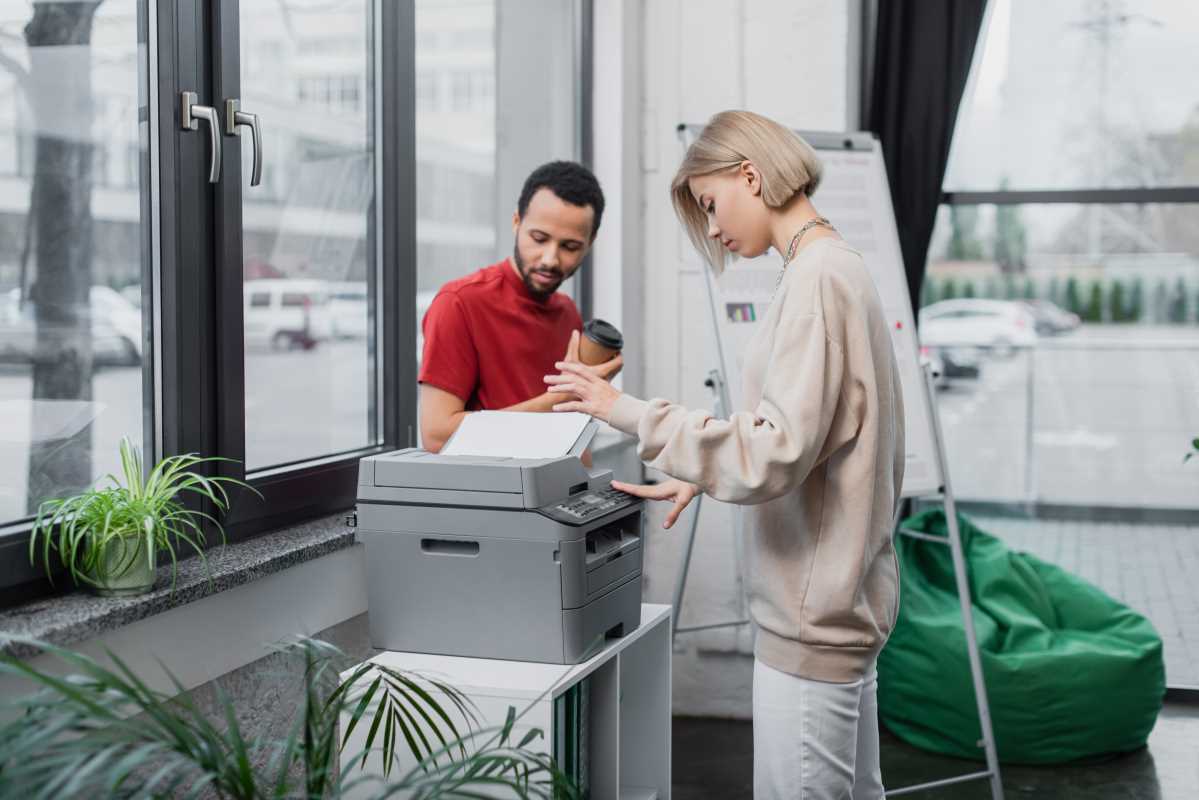
You are staring at a desk that is barely large enough for your laptop and a lukewarm cup of coffee. Where on earth are you supposed to put a printer? It is the classic small office headache. You need the power of a corporate copy room but you only have the square footage of a broom closet. The good news is that the days of those beige, refrigerator-sized monsters are mostly over. Today, the market has shifted toward A4 multifunctional printers (MFPs) that pack a punch without demanding their own zip code. In fact, research shows that 60 percent of small businesses now choose these all-in-one machines over single-function devices to save space and cut costs by up to 20 percent.
So what does this actually mean for your daily workflow? It means you can scan a 50-page contract, print a color presentation, and copy an ID card all from a device that sits comfortably on a bookshelf. It is about getting the most from every square inch of your workspace without sacrificing the professional quality your clients expect.
Laser vs Inkjet in a Compact Format
When you are hunting for a new machine, the first fork in the road is always the "laser versus inkjet" debate. Have you ever been stuck waiting for a slow inkjet to spit out a 30-page report while you are running late for a meeting? If so, you already know why laser printers are the favorites for text-heavy offices.
Compact laser printers are the sprinters of the office world. They are built for speed and crisp, smudge-free text. If your day consists mostly of invoices, contracts, and black-and-white documents, a mono laser is your best friend. They are reliable, and the toner won't dry out if you leave it sitting for a week while you are on vacation.
On the other hand, if you need to print marketing flyers or active photos, a compact inkjet is the way to go. Modern ink tank systems have completely changed the game here. They offer versatility that lasers just can't match for the price. Think of it like a Swiss Army knife versus a high-end chef’s knife. One does everything well, while the other is a specialist.
Features That Matter for Small Offices
It is easy to get distracted by flashy touchscreens, but for a small office, the real magic happens in the mechanics. You should look for an Automatic Document Feeder (ADF) that supports single-pass duplexing. This sounds technical, but it just means the machine scans both sides of a page at once. It is a massive time-saver for anyone who handles multi-page legal documents.
You also can't ignore the hidden side of printing, which is security. Did you know that 61 percent of organizations reported a print-related data breach in the last year? That is a terrifying stat for a small business. Look for features like Secure Print, which requires you to enter a PIN at the machine before your sensitive documents actually hit the tray.
Scanning quality is another big one. If you are moving toward a paperless office, you need a machine that turns physical documents into searchable, high-resolution PDFs. A good all-in-one doesn't just print (it acts as the gateway for your digital filing system).
Connectivity and Workflow
It is 2026, and nobody has time for messy USB cables snaking across the floor. Your printer needs to be a seamless part of your network. We are seeing a huge surge in demand for compact and mobile-friendly printers, with adoption rates jumping 19 percent recently. This is because we aren't just printing from desktops anymore. We are printing from phones, tablets, and the cloud.
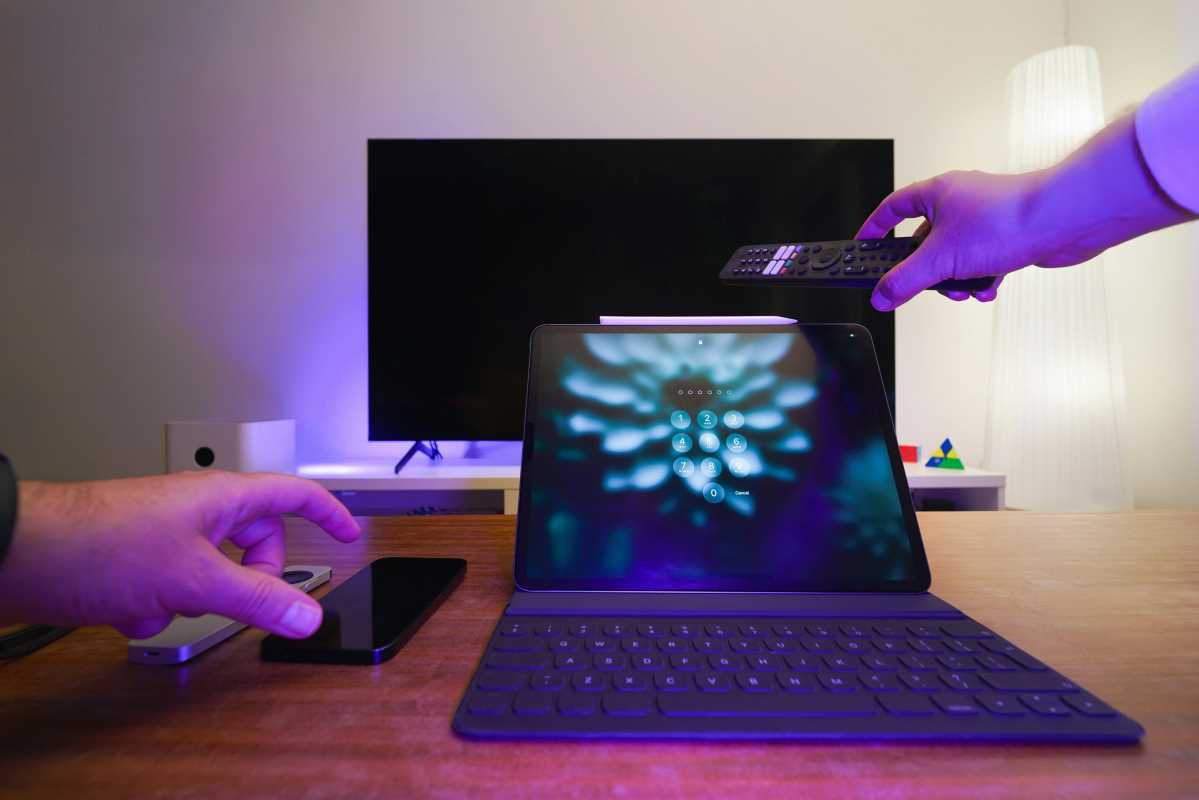
Self-healing Wi-Fi is a feature you will thank yourself for later. It automatically detects connection issues and reboots the wireless module without you having to play IT support for twenty minutes. You should also check for "Tap-to-Print" functionality. It allows you to walk up to the printer, tap your phone on the sensor, and get your documents instantly.
Integration with your existing software is the final piece of the puzzle. Whether you use QuickBooks for accounting or a specific CRM for client management, your printer should play nice with them. Many modern all-in-ones allow you to scan directly to cloud folders like Google Drive or Dropbox, which keeps your workflow moving without extra steps.
Long-Term Value Cost of Ownership
Don't let a low price tag at the big-box store fool you. The real cost of a printer is not what you pay at the register, but what you pay over the next three years. This is the "Total Cost of Ownership" (TCO), and it is where things get interesting.
If you print more than 300 pages a month, you should seriously consider an ink tank system. Although the machine might cost more upfront, the cost per page is often less than a penny for black and white. Compare that to traditional cartridges, which can feel like you are buying liquid gold every few months. It is the digital equivalent of buying in bulk to save money in the long run.
Finally, consider the environmental impact. The shift toward tank systems has led to a 35 percent increase in businesses ditching disposable plastic cartridges. does this save you money, but it also reduces the mountain of plastic waste your office generates. Investing in a high-efficiency, compact machine isn't just a win for your desk space (it is a win for your bottom line and your conscience).