 (Image via
Have you ever sat down to start your workday, looked at the tangled mess of wires snaking across your desk, and felt your motivation just... evaporate? You're definitely not alone. It's now 2026, and while our gadgets have become more powerful, they've also brought a "cable tax" that most of us are tired of paying. The visual noise of a messy desk isn't just an aesthetic problem. Recent data from 2024 and 2025 shows that cluttered environments can actually slash your productivity by up to 40 percent. Even worse, research from UCLA found that a messy workspace can lead to a 32 percent drop in cognitive performance. Your brain is spending energy processing the "noise" of those extra cables instead of focusing on your actual work.
Achieving a truly clutter-free setup in 2026 is about more than just hiding things in a drawer. It's about creating a streamlined system where your technology supports your focus rather than distracting from it. When you clear the physical clutter, you're clearing mental space too. You'll find it's easier to clean, nicer to look at, and much faster to get into a "flow" state.
Understanding the Arsenal Hubs vs. Full Docking Stations
So what's the actual difference between these two, and why does it matter for your desk? Think of a USB-C hub like a power strip for your digital life. It's usually small, portable, and multiplies your ports so you can plug in a mouse, a thumb drive, and maybe one monitor. They're great for travel or basic setups, but they often lack the "oomph" to run a high-end workstation.
A true docking station is a different beast entirely. Although a hub might just give you more holes to plug things into, a dock acts as a permanent command center for your desk. The main differentiator is power and bandwidth. A docking station connects to its own wall outlet, allowing it to charge your laptop and run multiple high-resolution screens simultaneously without breaking a sweat.
If you're just looking to connect a keyboard and a basic monitor, a simple USB-C hub like the Anker 555 is probably enough. But if you're a "power user" with dual 4K monitors or high-speed external drives, you'll want to invest in a dedicated station. It's the difference between a temporary fix and a permanent organizational foundation.
How Docking Stations Simplify Life
The "One-Cable" rule is the single most effective way to declutter your life. Imagine coming home from a coffee shop, setting your laptop down, and plugging in exactly one cable. Instantly, your laptop starts charging, your two monitors wake up, your speakers connect, and your wired internet kicks in. That's the magic of a high-end docking station.
In 2026, the gold standard for this is Thunderbolt 4. Although it uses the same physical connector as USB-C, it offers a massive 40 Gbps of bandwidth.¹ This means you won't see any lag on your screens or slow data transfers when you're moving big files. It's the digital equivalent of replacing a five-lane traffic jam with a wide-open superhighway.
This setup is a game-changer if you frequently switch between a home office and a corporate headquarters. You don't have to spend five minutes every morning wrestling with cords behind your desk. You just plug in that single "umbilical cord" and you're ready to go. It turns your laptop into a powerful desktop computer in about two seconds flat.
Features That Define a Clutter Free Setup
When you're shopping for a dock, don't just look at the price tag. You need to check for "future-proofing" features. Make sure the device has the right mix of HDMI or DisplayPort connections for your specific monitors. You'll also want at least a few fast USB-A and USB-C ports for your peripherals and an Ethernet port for a stable internet connection.
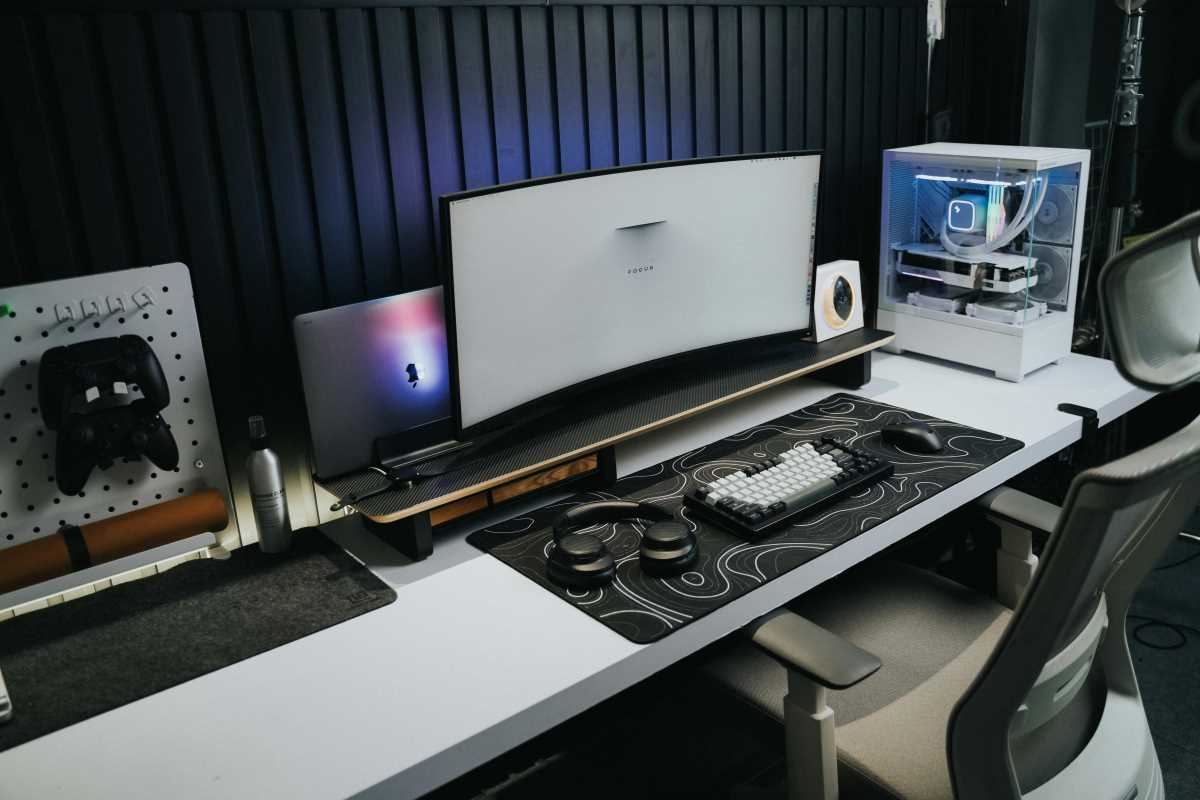
Another thing to consider is verticality. Some of the best docks for organization are designed to stand upright, taking up a tiny footprint on your desk. Others can actually be mounted to the back of your monitor or under the desk surface entirely. This keeps the "box" out of sight, leaving your desktop completely empty except for your keyboard and mouse.
You should also do a quick "confidence check" on power delivery. If your laptop requires 90W of power to charge quickly, but your dock only provides 60W, you'll still end up needing to plug in your laptop's original power brick. That's one extra cable you don't want. Aim for a dock that offers at least 85W to 100W of power delivery to keep things truly minimal.
Top Recommendations
If you're ready to upgrade your workspace, here are the devices currently leading the pack for performance and organization.
• CalDigit TS4, Often called the "gold standard" for professionals, this Thunderbolt 4 dock has 18 ports and 98W of power delivery. It's expensive, but it's the most reliable way to hide every single peripheral behind one cable.
• Plugable TBT4-UDZ, This is the ultimate choice for people who love screen real estate. It can support up to four 4K displays, making it a favorite for data analysts and developers.
• Kensington SD5780T, A great middle-ground option that gives you the speed of Thunderbolt 4 and 90W charging without the $400 price tag.
• Anker 555 8-in-1 Hub, If you don't need a full dock, this is the best portable hub on the market. It's reliable, small, and handles 10Gbps data speeds.
Mastering the Invisible Setup for Total Desk Harmony
Buying the gear is only half the battle. To reach desk nirvana, you have to think about where that gear lives. Experts like productivity coach Rashelle Isip suggest creating "Work Zones" to maintain order. Your primary zone (the space directly in front of you) should only contain your mouse, keyboard, and monitor. Everything else, including the docking station, should move to the periphery.
Try using under-desk mounting brackets or J-channel cable trays to hide the "rat's nest" of power bricks. You can bundle your remaining cables into neoprene sleeves to create a single "trunk" instead of a bunch of individual "vines" hanging down. It makes a world of difference when you can't see a single wire from your sitting position.
Finally, adopt the "5-Minute Reset" popularized by organization experts. At the end of every workday, take five minutes to clear your desk surface and wipe it down. Because you've consolidated your tech into a single docking station, this process becomes incredibly easy. You aren't moving a dozen wires; you're just clearing away a coffee mug and a notebook. It’s the fastest route to a permanently tidy, high-performance workspace.