Your digital life is precious. It is a collection of thousands of photos, essays you poured your heart into, your favorite music, and maybe even that secret novel you have been working on. All of it lives on the hard drive inside your computer. Now, imagine your laptop decides to take an unfortunate tumble down the stairs or gets a surprise bath from a knocked-over cup of coffee. In an instant, all those digital memories and hard work could vanish forever. It is a terrifying thought, but it is a scenario that plays out every single day. This is why an external storage drive is not just a cool gadget; it is an essential piece of insurance for your digital world. It is a lifeboat for your data, a portable vault that lets you carry your files with you, and a secure backup that provides priceless peace of mind. Investing in one is one of the smartest and simplest things you can do to protect your files from the unpredictable chaos of life.
The Two Flavors of Storage: HDD vs. SSD
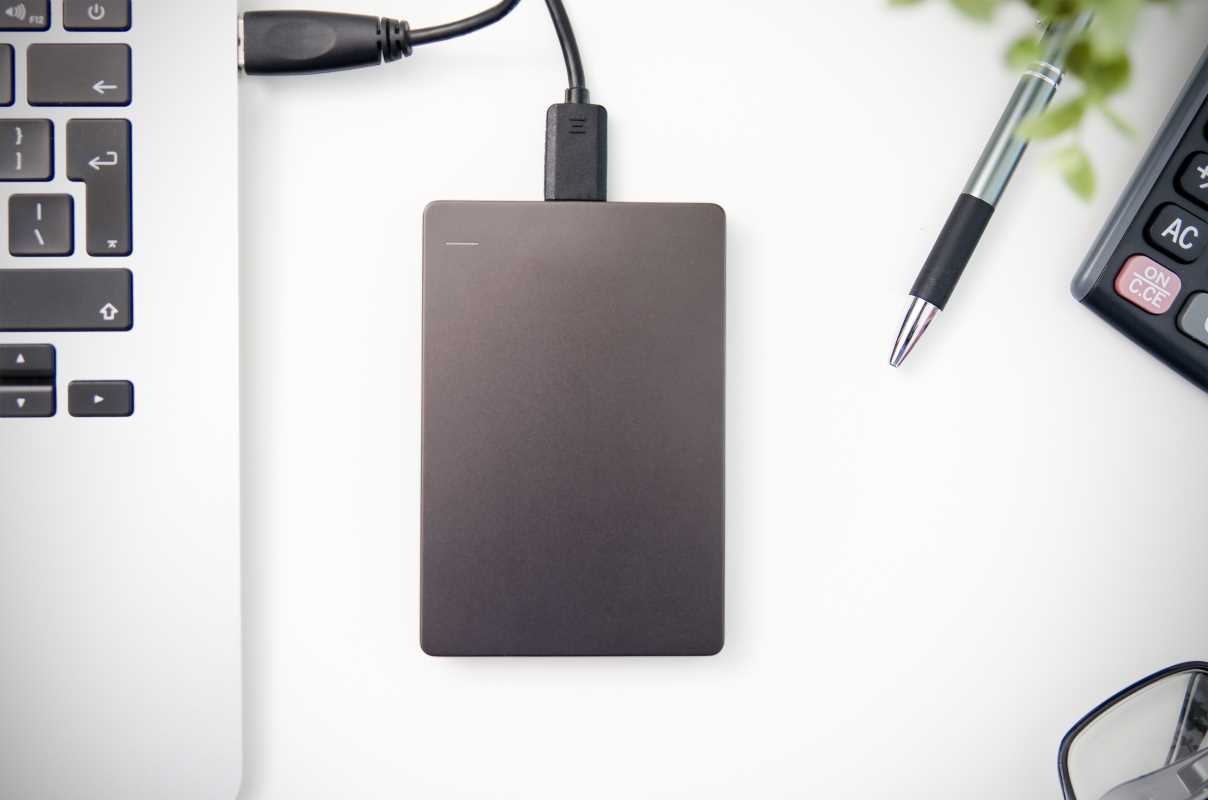
When you start looking for an external drive, you will immediately run into two main types: Hard Disk Drives (HDDs) and Solid State Drives (SSDs). Think of an HDD like a tiny record player. Inside the case, there is a spinning magnetic platter and a mechanical arm that reads and writes data to it. Because of these moving parts, HDDs are a bit slower and more fragile. However, they are also incredibly affordable. You can get massive amounts of storage—we are talking terabytes, which is thousands of gigabytes—for a relatively low price. This makes them perfect for archiving huge photo libraries or making large-scale backups where speed is not the top priority.
An SSD, on the other hand, has no moving parts. It uses flash memory, similar to the storage in your smartphone or a USB flash drive. This makes SSDs lightning-fast, much more durable, and significantly smaller. They can survive a drop from your desk that would likely destroy an HDD. The downside is that they are more expensive per gigabyte. An external SSD is the ideal choice if you need to work directly off the drive, like editing videos or playing games, or if you are a student or traveler who needs a tough, portable drive that can withstand being bounced around in a backpack.
The 3-2-1 Rule
In the world of data backup, pros live by a simple but powerful guideline called the 3-2-1 rule. It states that you should have three copies of your important data, on two different types of media, with one copy stored off-site. Your external drive is the cornerstone of this strategy. Your first copy of a file is the one on your computer's internal drive. Your second copy is the backup you make to your external drive. This protects you from a hard drive failure or accidental deletion. For the "off-site" part, you could keep a second external drive at a friend's house or use a cloud storage service. Having a physical backup on an external drive that you control is a critical middle step. It is faster to restore from than the cloud and protects you if your computer fails completely.
Your World in Your Pocket
Beyond just being a backup solution, an external drive gives you the freedom to take your digital life with you. Maybe your school computer has specific software you need, and you want to bring your project files with you without relying on slow school Wi-Fi to access the cloud. Or perhaps you are a photographer who needs to offload photos from your camera's memory card in the field to free up space. Modern portable drives, especially SSDs, are incredibly compact, some no larger than a credit card. You can slip terabytes of data into your pocket, allowing you to share huge files with friends, transport a movie library to a party, or carry your entire work portfolio to a client meeting without having to lug your laptop everywhere.
Security Features to Lock It Down
What if your external drive gets lost or stolen? You do not want a stranger having access to all your personal photos and private documents. This is where security features become incredibly important. Many external drives come with built-in hardware encryption. This means the data on the drive is scrambled and can only be unlocked with a password that you set. Without the password, the drive is just a useless brick of metal and plastic. Some high-security models even have a physical keypad on the drive itself for you to enter your PIN. This level of protection ensures that even if you physically lose your data, it will not fall into the wrong hands, giving you an essential layer of digital security for your most sensitive information.
How Much Storage Do You Actually Need?
Choosing the right capacity can feel like a guessing game. A good starting point is to look at how much storage you are currently using on your computer and then at least double it. If your laptop has a 500-gigabyte drive that is half full, a 1-terabyte (which is roughly 1,000 gigabytes) external drive is a safe bet. This gives you enough room to back up your entire computer and still have plenty of space for future files. If you are a video editor or a serious gamer, you might want to look at drives in the 2TB to 4TB range. It is always better to have more space than you think you will need. Data has a way of expanding to fill whatever space is available, and buying a larger drive now is often cheaper than having to buy a second one later.