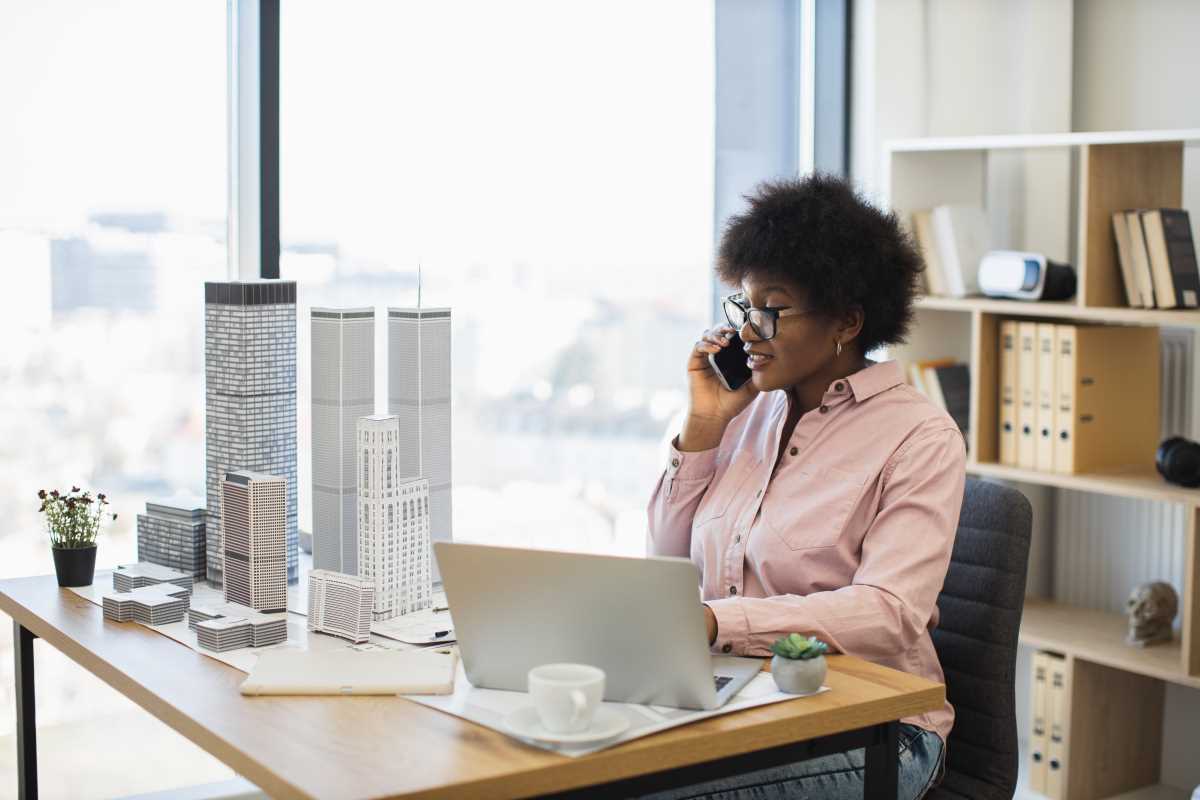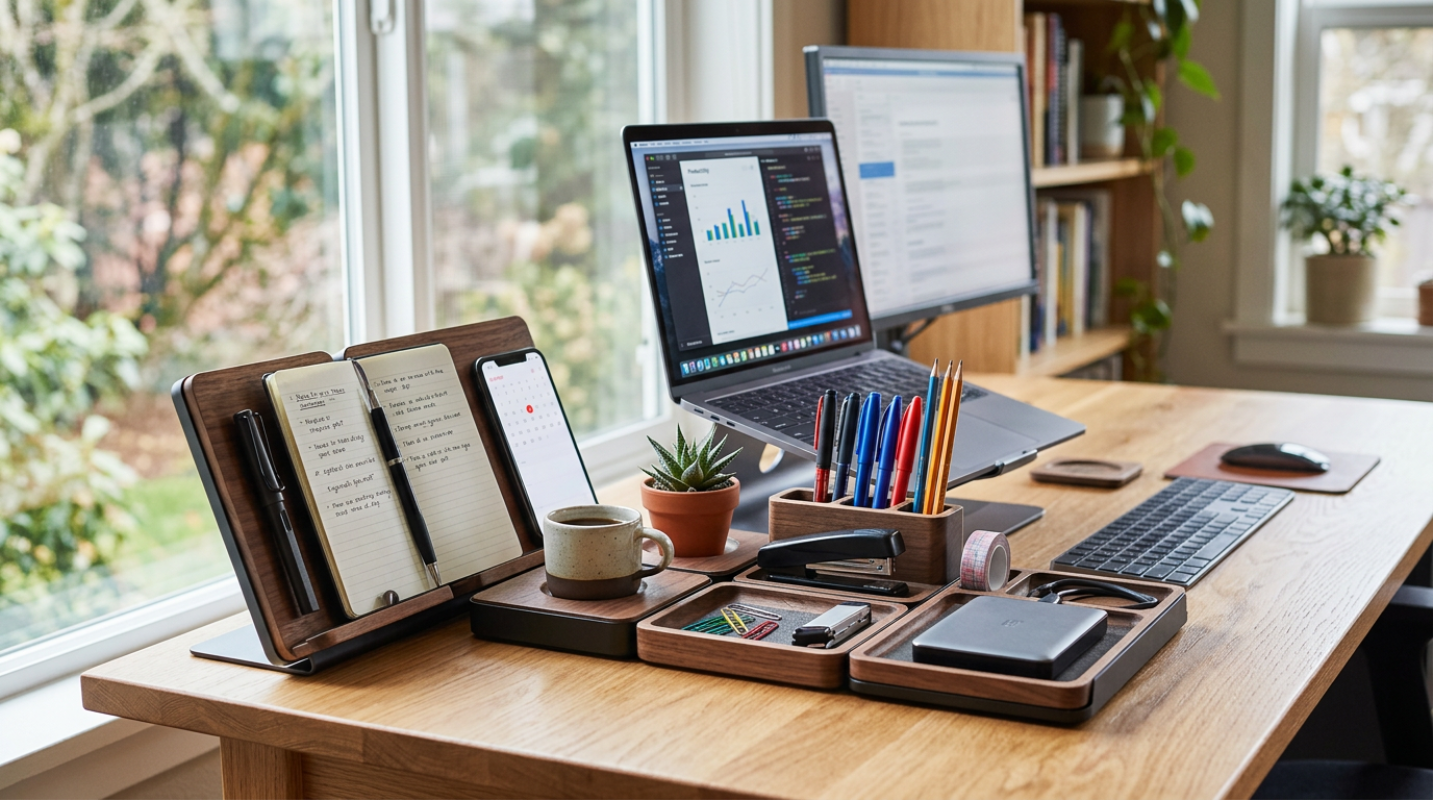
If you have ever tried to write an essay while referencing a website on a single laptop screen, you know the pain. You are constantly switching windows, minimizing and maximizing, trying to copy and paste information while your screen feels like a cramped digital closet. It is a frustrating dance that kills your focus and slows you down. Now, imagine having so much screen space that you never have to minimize a window again. You can see your document, your research, your email, and your music player all at once, perfectly arranged in a glorious digital panorama. This is the power of a multi-monitor setup. For designers, coders, and anyone who juggles multiple tasks at once, adding a second or third screen is not just a luxury; it is one of the most significant productivity upgrades you can make. It is like moving from a tiny studio apartment to a spacious three-bedroom house for your digital life.
The Coder's Paradise
For software developers and coders, a multi-monitor setup is practically standard issue. Writing code is a complex process that requires looking at several different things at once. On one screen, you might have your code editor, where you are typing out lines of Python or JavaScript. On a second screen, you can have the live output of your application, so you can see the results of your code in real-time without having to constantly switch windows. A third screen could be dedicated to documentation, a Stack Overflow page where you are looking up a solution to a problem, or a team chat window to collaborate with colleagues. This separation of concerns allows for an incredibly fluid workflow. Many coders even turn one of their monitors vertically into portrait mode. This orientation is perfect for viewing long columns of code, allowing you to see hundreds of lines at once without endlessly scrolling.
The Designer's Digital Canvas
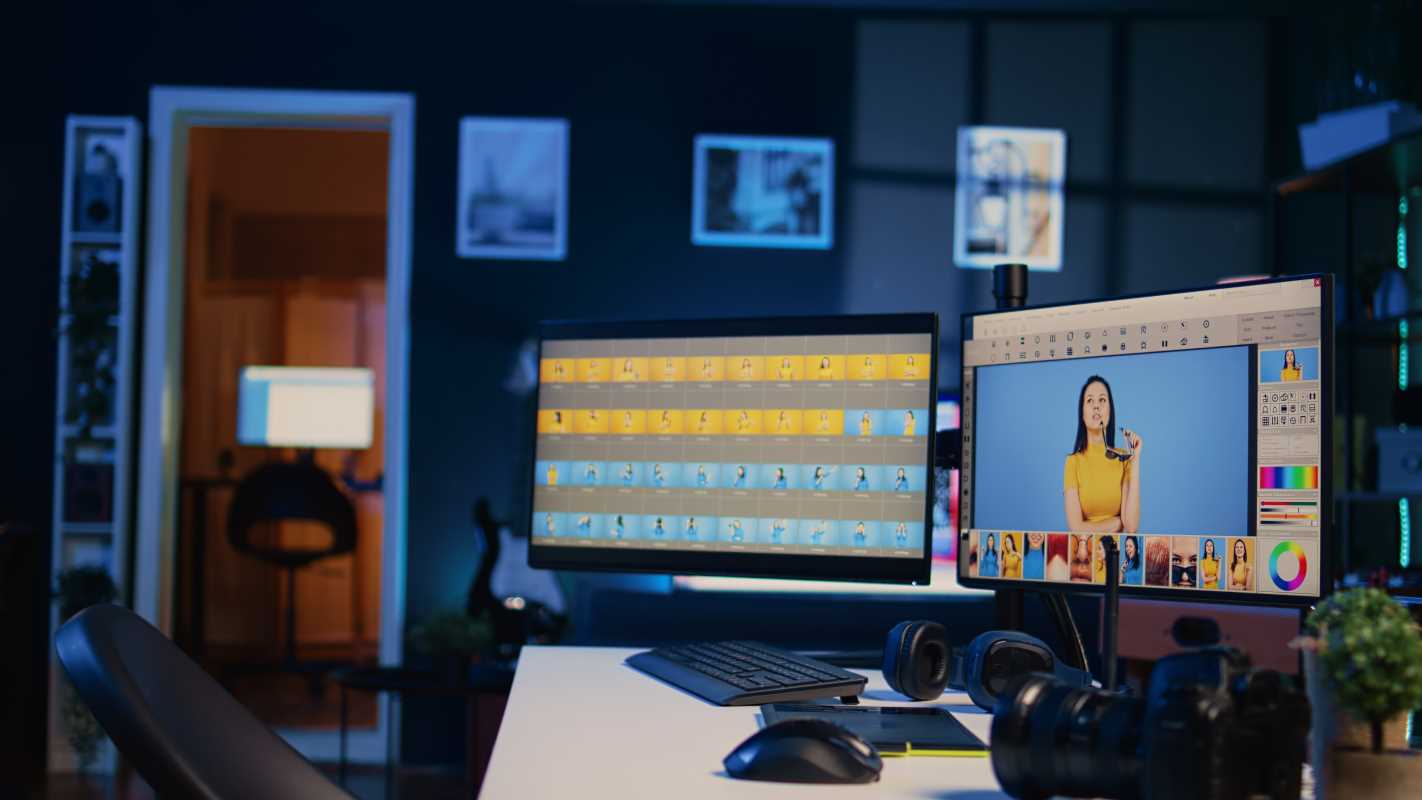
Graphic designers, video editors, and other creative professionals live and breathe visual information. A single screen can feel incredibly restrictive when you are working with high-resolution images or complex video timelines. With a multi-monitor setup, a designer can dedicate their main, high-quality color-accurate monitor to a full-screen view of their artwork. There are no distracting toolbars or panels in the way; just a pure, unobstructed view of the creative canvas. All the tools, layers, color swatches, and asset libraries can be moved to a secondary monitor. This keeps the workspace organized and allows for an uninterrupted creative flow. For a video editor, it means having a massive, full-screen preview of the video on one monitor while the entire editing timeline, effects controls, and file bins are neatly arranged on another. It transforms the editing process from a cramped, frustrating experience into a powerful, cinematic command center.
The Multitasker's Command Center
You do not have to be a coder or a designer to reap the benefits of multiple screens. Anyone who works on a computer can become a super-powered multitasker with a second monitor. Imagine you are a student writing a research paper. You can have your Word document open on your main screen while your sources, PDFs, and notes are displayed on the second screen. No more frantic Alt-Tabbing back and forth, losing your train of thought every time. For office workers, it means you can have your email and team chat open on one monitor for constant communication while you work on a spreadsheet or presentation on the other. You stay connected without having to interrupt your primary task. It allows your brain to "park" secondary information on a different screen, freeing up mental energy to focus on what is most important.
Portrait vs. Landscape
The standard way to use a monitor is in its horizontal, or landscape, orientation. This is great for watching videos and for most general-purpose tasks. However, the ability to rotate a monitor 90 degrees into a vertical, or portrait, orientation is a game-changer for certain types of work. As mentioned, coders love it for viewing long scripts. Writers and researchers find it incredibly useful for reading articles or documents, as the shape more closely mimics a physical page and requires less scrolling. A popular setup for multitaskers is to have a main monitor in landscape mode for their primary work, flanked by a secondary monitor in portrait mode dedicated to feeds like email, Twitter, or Slack. This setup gives you the best of both worlds, providing a wide canvas for active work and a tall column for passive information streams.
An Alternative to Two Screens
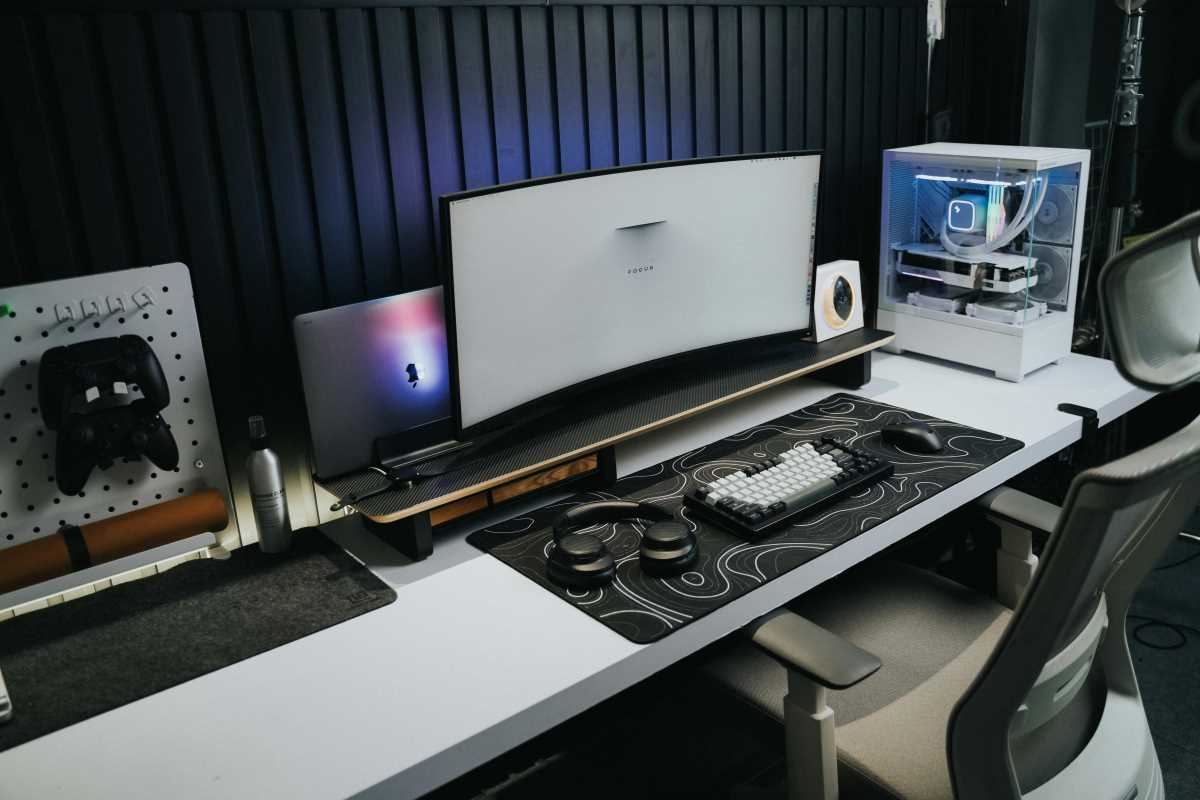
For some people, the idea of having two separate screens with a plastic border, or bezel, running down the middle is a deal-breaker. If you prefer a seamless, continuous workspace, an ultrawide monitor might be the perfect solution. These massive, curved displays offer the same horizontal real estate as two standard monitors put together, but without the gap in the middle. You can have three full-sized windows open side-by-side on one beautiful, uninterrupted screen. This is particularly popular with gamers and video editors who want a more immersive experience. While it is technically still one monitor, it functions as a multi-monitor setup by using window management software to snap your applications into organized zones, giving you all the benefits of multiple screens in one sleek package.