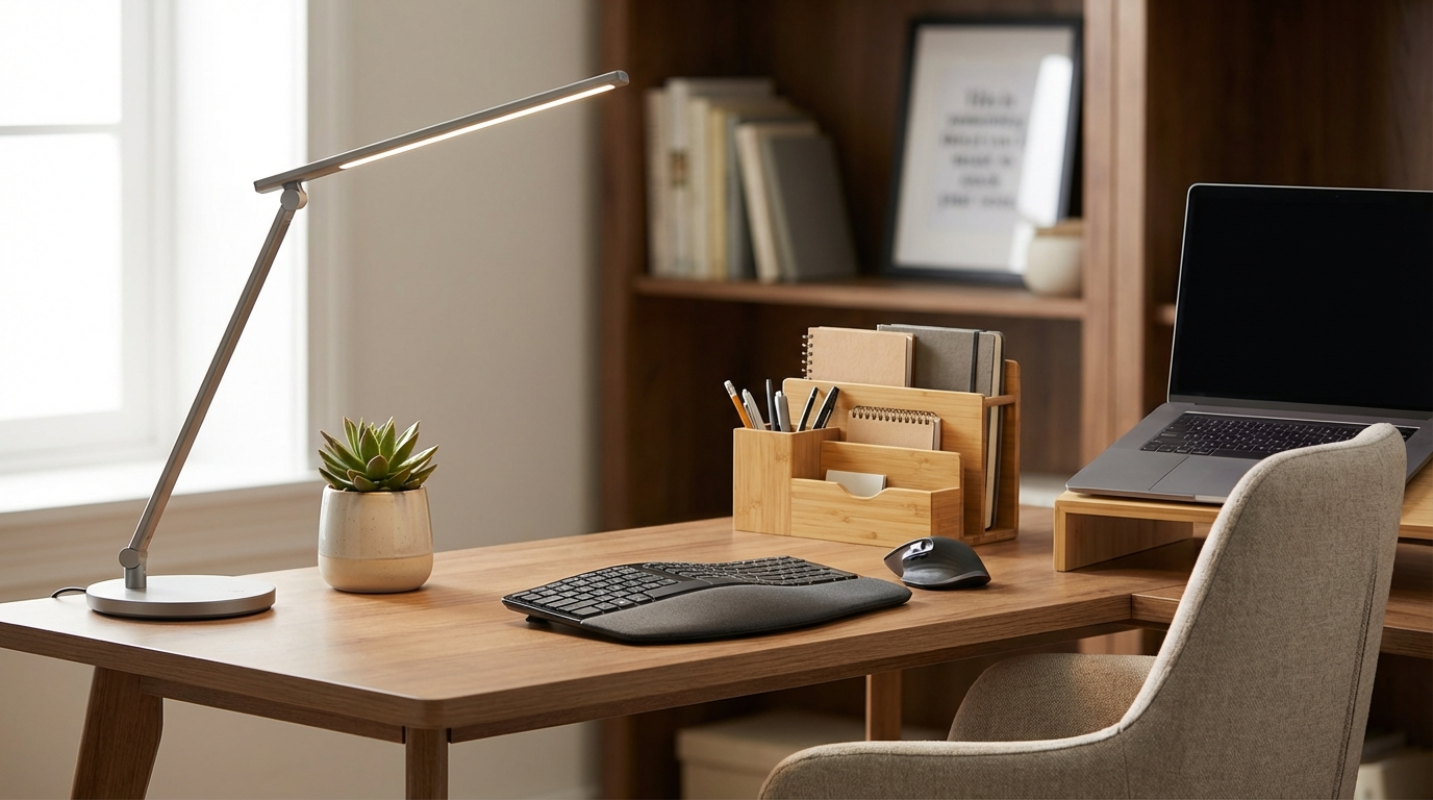
We are well into 2026, and the "temporary" home office has become the permanent command center for many of us. But let's be honest. Is your workspace actually working for you? A professional home office is a space that balances functionality, aesthetics, and tech readiness. You might think you need a five-figure renovation to look like a C-suite executive on a video call, but that's just not true. You can overhaul your entire vibe with a few smart, targeted purchases. It's time to stop settling for a setup that feels like a dorm room and start building a space that actually boosts your output.
Comfort That Does Not Break the Bank
If you are still sitting in a kitchen chair or a cheap "gaming" seat, your spine is likely paying the price. Have you noticed that mid-afternoon slump? It is often physical fatigue masquerading as a lack of focus. Experts have found that a proper ergonomic setup can increase your productivity by 15% to 20%. When shopping for a chair, look for mesh materials and adjustable lumbar support. Brands like SIHOO or Colamy have become favorites for offering high-end features, like seat sliders, for under $200. Avoid "PU leather" at this price point. It looks okay for a month, then starts peeling like a bad sunburn.
Beyond the chair, your monitor height is the easiest fix in the world. If you are looking down at your screen, you are inviting neck strain. You don't need a fancy mahogany riser. A sturdy stack of books or a $15 laptop stand gets that screen to eye level instantly. It's a simple change that makes you look more engaged on camera because you aren't constantly staring down at your lap. Finally, grab a basic wrist rest and a vertical mouse. These small additions are the digital equivalent of a good pair of running shoes. They keep you going longer without the aches.
Curating a Professional Backdrop for Video Calls
Lighting is the secret sauce of a professional home office. Have you ever been on a call where the person looks like they are in a witness protection program? That is usually because of backlighting. Never sit with a window directly behind you. Instead, use that natural light as your "key light" by facing the window. If your room is dim, a $30 ring light or a diffused LED panel like the Logitech Litra Glow can save your image. It provides a soft glow that prevents you from looking washed out or sickly.
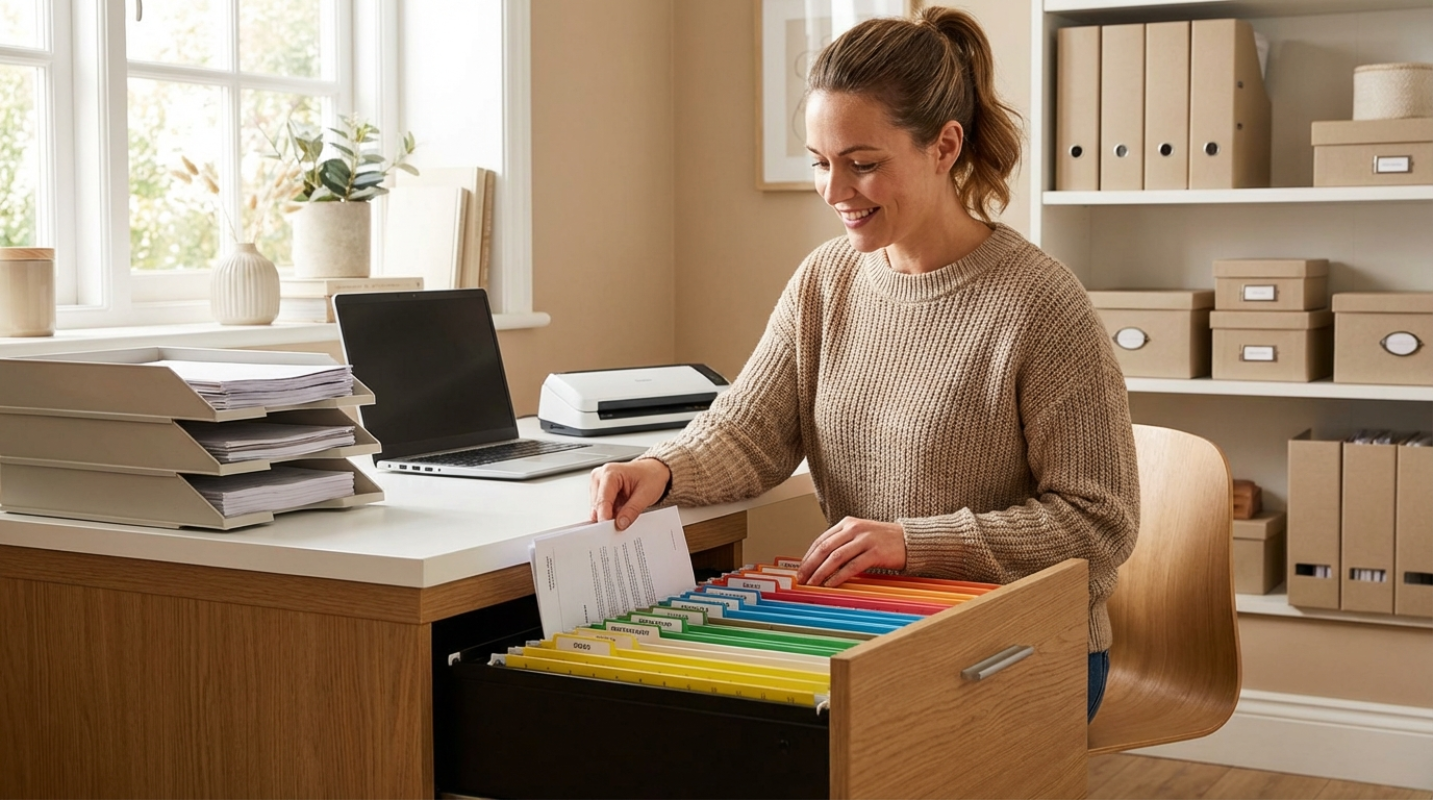
Your background also tells a story about your work ethic. A cluttered shelf or a pile of laundry in the corner is a massive distraction. You can fix this without a construction crew. Use attractive storage boxes or budget-friendly shelving to hide the mess. If your office is actually a corner of your bedroom, a simple folding room divider can act as a physical "firewall" between your work life and your private life. Add one or two intentional pieces of decor, like a single green plant or a framed piece of art. It adds life to the frame without making it look like you are trying too hard.
Smart and Affordable Connectivity Upgrades
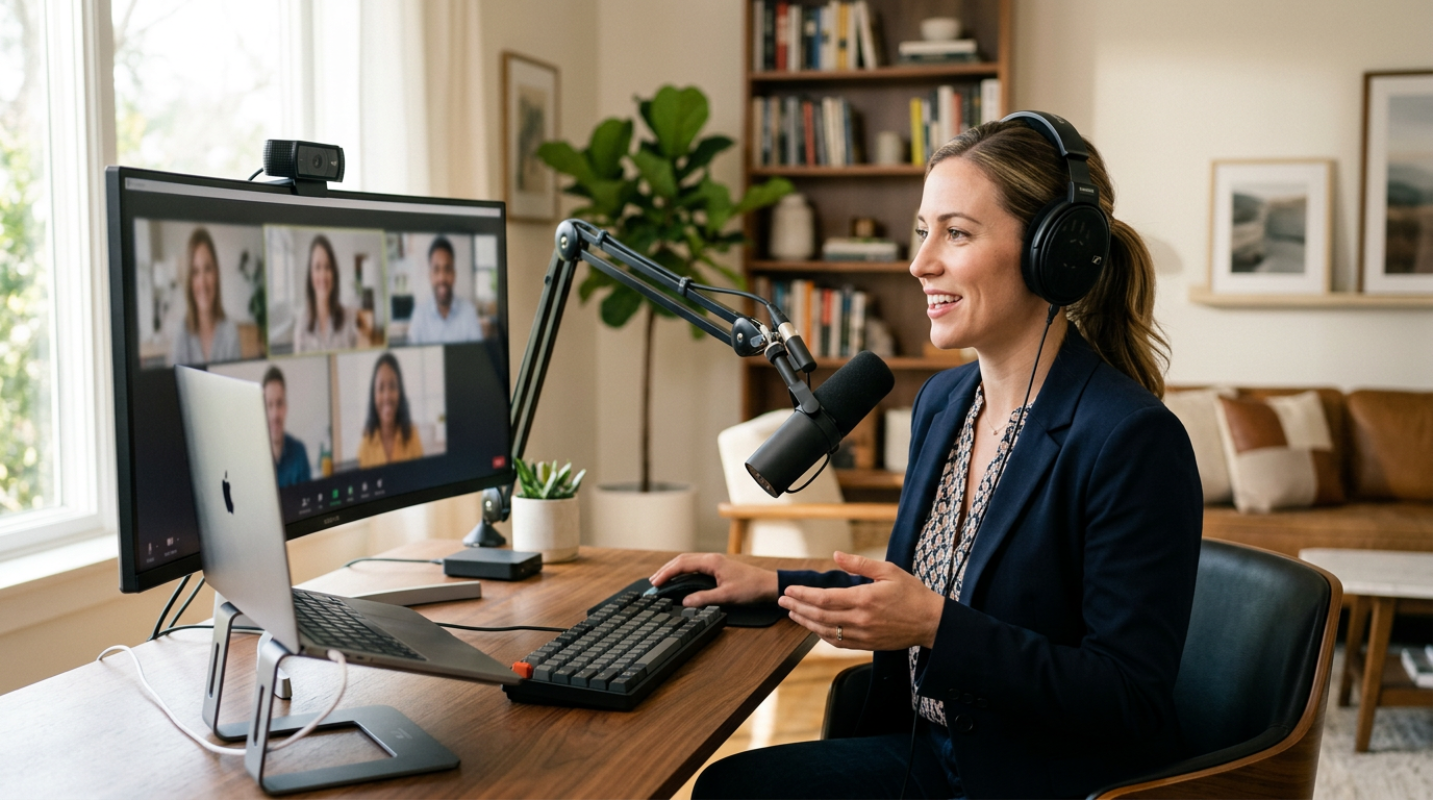
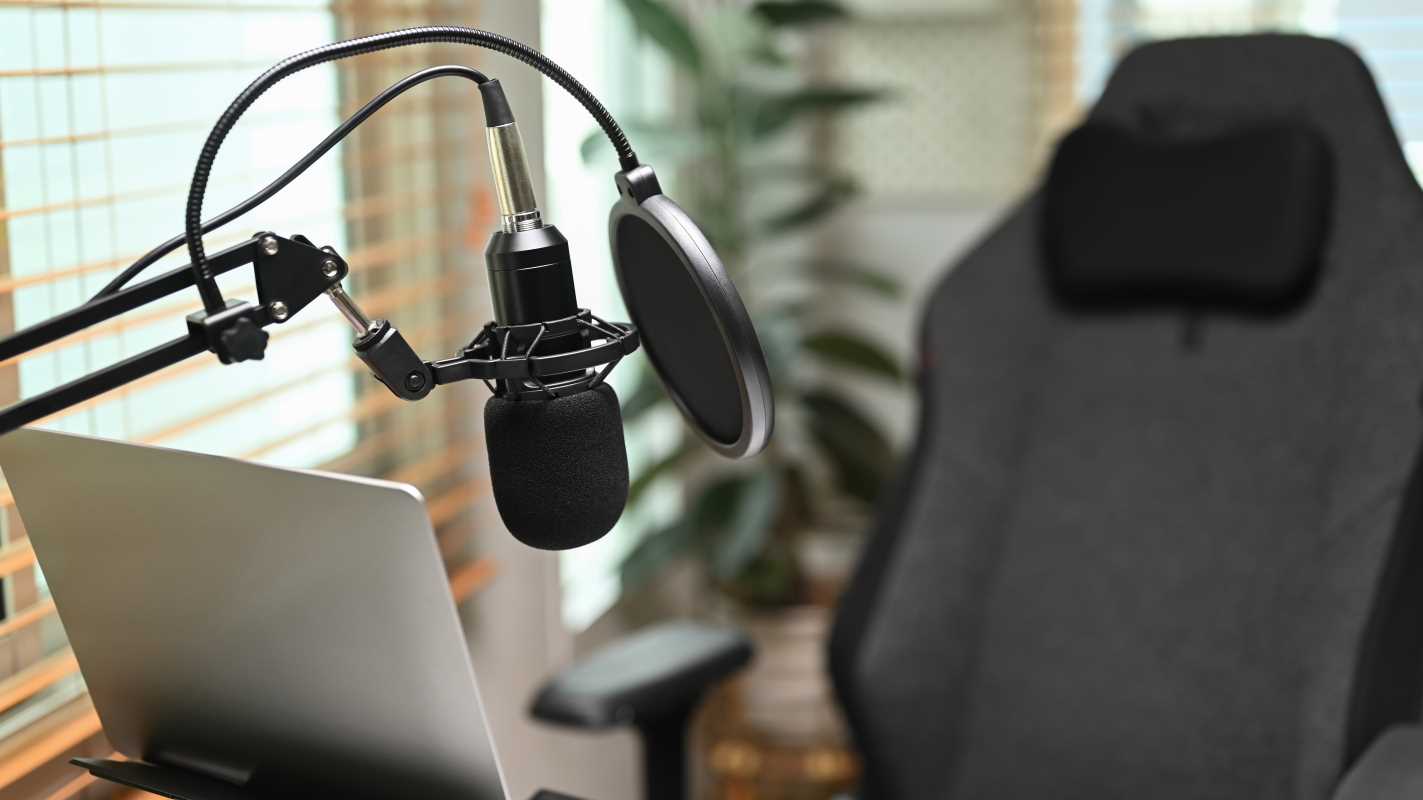
Most people focus on their webcam, but here is a secret. Audio quality is actually more important than video quality. People will forgive a grainy image, but they will tune out immediately if you sound like you are underwater. Investing in a decent USB microphone, even one under $50, makes a world of difference. It's the difference between sounding like a professional and sounding like a distant radio broadcast.
Then there is the "cable spaghetti" problem. Nothing kills a professional vibe faster than a tangled mess of black wires hanging off your desk. It looks chaotic and unfinished. The fix is the "Velcro rule." Use reusable Velcro ties instead of plastic zip ties. They are easier to adjust when you inevitably move things around. A $20 cable management kit with sleeves and under-desk trays can hide the mess completely. It is a low-cost upgrade that makes your desk feel twice as large. Also, check your Wi-Fi. Sometimes just moving your router or using a $20 Ethernet cable for a direct connection is better than paying for a more expensive internet plan.
Top Recommendations
• Ergonomic Chair, Look for the SIHOO M18 or Colamy Kirin for pro-level support on a budget.
• Lighting Kit, The Logitech Litra Glow offers diffused light that is easy on the eyes.
• Cable Management, A 192-piece kit from brands like N NOROCME covers all your wire-hiding needs.
• Audio, A basic USB condenser microphone make sures your voice is crisp and clear.
Maintaining Your New Professional Standard
Upgrading your office doesn't have to be a one-time event that drains your bank account. The most successful home offices are the ones that are maintained with intention. Once you have the right chair, the right light, and the right sound, the key is consistency. Keep the clutter at bay and check your cable ties every few months. These high-impact, low-cost solutions prove that professionalism is about the details, not the price tag. When your space feels organized and intentional, your confidence grows. You will find yourself showing up to meetings with more energy and getting through your to-do list with fewer distractions.