Do you feel like you're losing a slow-motion war against your own mailbox? You aren't alone. Most of us are currently buried under a mountain of "just in case" papers that we'll probably never look at again. In fact, research shows that 80% of the papers we file are never touched a second time. Yet, we keep them because the fear of needing that one specific tax form or medical record is real. The problem usually isn't that you're lazy. It's that you're confusing "storage" with an "efficient filing system." Storage is just putting things in a box so you don't have to look at them. An efficient system is a roadmap that allows you to find any document in under sixty seconds. Think of the difference between a junk drawer and a library. When you can't find what you need, your stress levels spike and your productivity takes a 21% hit. It's time to stop the bleeding.
The Foundation Declutter First, File Second
You cannot organize clutter. It's a hard truth that professional organizers like the team at The Home Edit live by. Before you go out and buy a single colorful folder, you have to be ruthless with the paper you already have. If you try to build a system around every receipt from 2018, you're just building a bigger mess.
Start by purging anything that doesn't serve a legal, financial, or sentimental purpose. For most people, this means following the seven-year rule for tax documents and tossing utility bills that are more than a year old. If you can find the information online in thirty seconds, you don't need the physical copy.
Once you've thinned the herd, use the "Action vs. Archive" principle. Ask yourself: "Does this require me to do something?" If the answer is yes, it goes into an active tray on your desk. If the answer is no, but you still need it for your records, it goes to the archive. Everything else belongs in the shredder. This simple split prevents your important "to-do" items from getting lost in a sea of "to-keep" documents.
Building Your Personalized Filing System From Digital to Desktop
So what does a modern system actually look like in 2026? We've moved past the giant, gray metal cabinets of the nineties. Today, the most effective setups are hybrid. You want a lean, physical backup for irreplaceable items and a strong digital system for everything else.
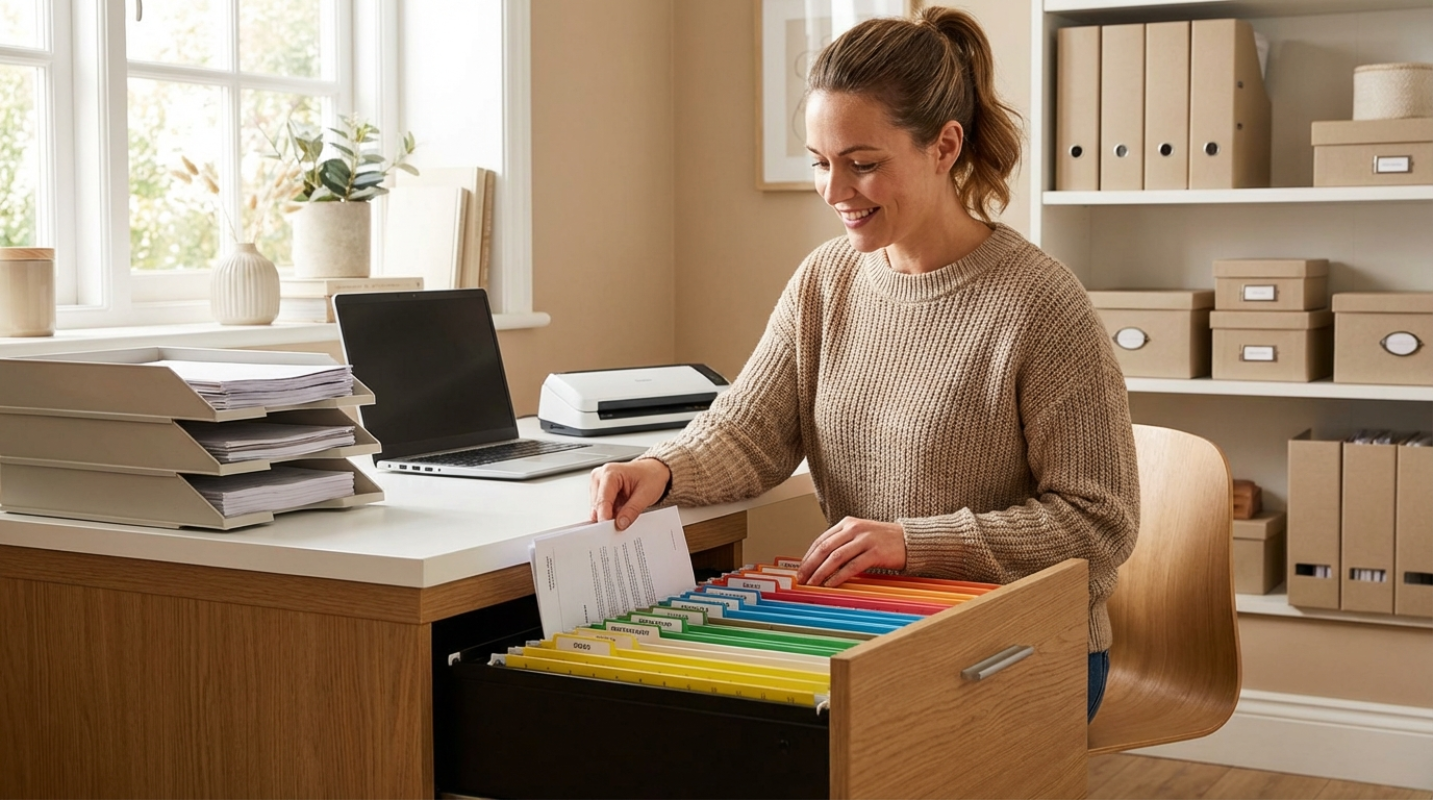
For physical storage, vertical is the way to go. Experts recommend storing papers upright in magazine files or hanging folders rather than flat in stacks. This prevents the "bottom-of-the-pile" syndrome where documents go to die. For your most key records like birth certificates and passports, a fireproof and waterproof box is a non-negotiable investment.
On the digital side, the game has changed thanks to AI-driven organization. Tools like TheDrive.ai or Dropbox Dash can now read the actual content of your scans. You don't need a hundred nested folders anymore. You can just search for "water bill from last July" and the AI finds it. The key to making this work is a consistent naming convention. Always use the format: YYYY-MM-DD_Category_Description. Like, "2026-04-15_Tax_FederalReturn.pdf" will always be easy to find.
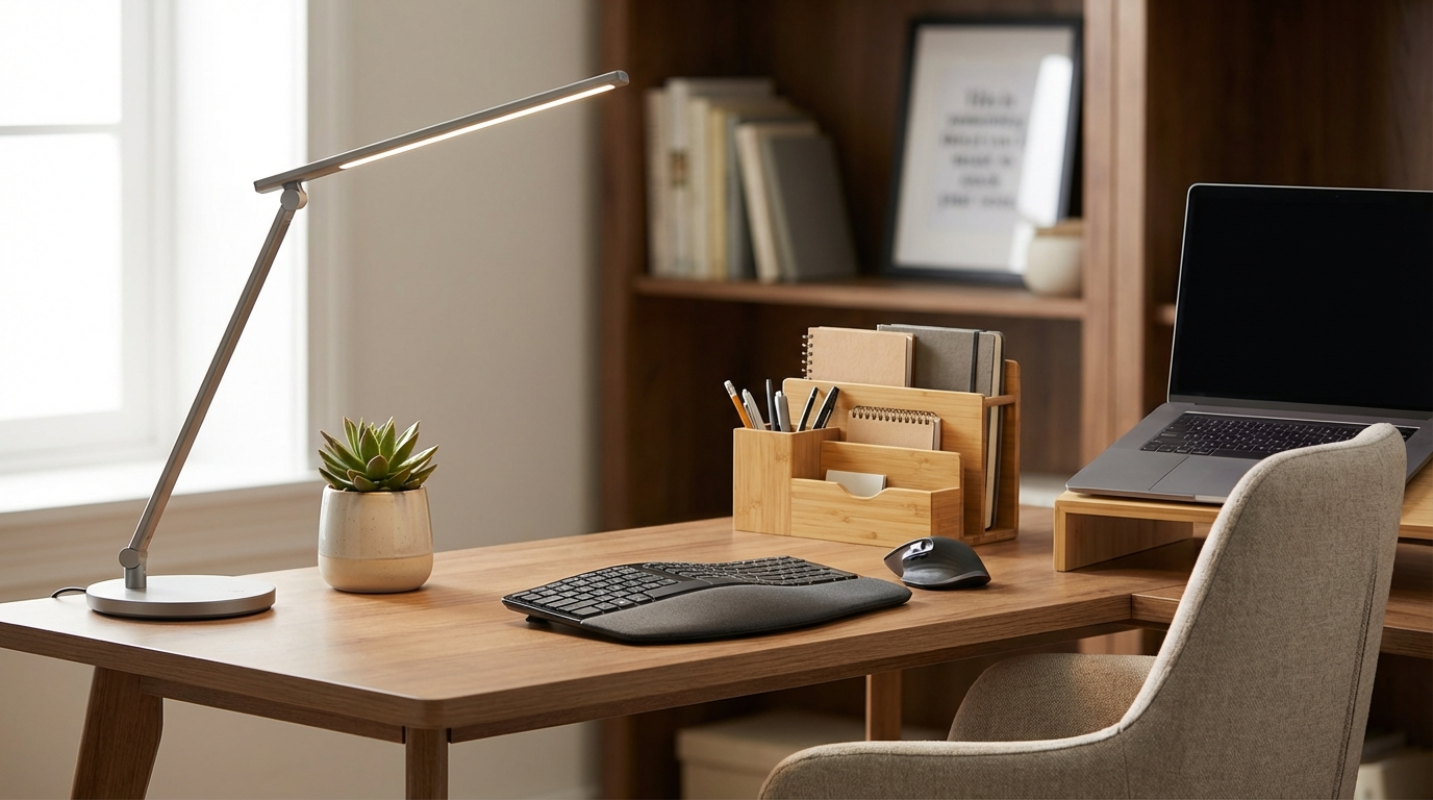
Top Recommendations for a Modern Home Office
Maintenance is Non-Negotiable Keeping Your Home System Streamlined
A filing system is like a garden. If you don't weed it, it will eventually disappear. The most successful organizers use the "One-Touch" rule for incoming mail. When you bring the mail inside, handle it once. Don't let it sit on the kitchen island. Open it, act on it, file it, or shred it immediately.
You should also schedule a 15-minute weekly review. Use this time to scan any loose receipts or school flyers into your digital system. Apps like Adobe Scan or Microsoft Lens use AI to automatically detect edges and turn your photos into searchable PDFs. It's the digital equivalent of a personal assistant.
For long-term storage, keep a "Tiered System" in mind
• Key Records: Birth certificates and passports stay in a fireproof safe forever.
• Tax Records: Keep these for seven years, preferably in a secure cloud folder.
• Active Warranties: Keep these only until the product dies or the warranty expires.
• Utility Bills: Most of these are available online, so you rarely need to keep physical copies for more than a few months.
This article on rotechno.com is for informational and educational purposes only. Readers are encouraged to consult qualified professionals and verify details with official sources before making decisions. This content does not constitute professional advice.