Have you ever been on a high-stakes call where the person on the other end sounds like they’re broadcasting from inside a metal trash can? It’s distracting, right? You find yourself squinting just to hear them. You stop focusing on their brilliant ideas and start wondering why their dog is barking so loudly in the background. If you’ve been that person, you’re likely losing more than just a bit of dignity.
In 2026, your voice is often the only thing a client has to judge your professionalism. We’ve moved past the era where a grainy laptop camera was excusable, and audio has become the new frontier of professional credibility. Think of your audio quality like the digital version of a firm handshake or a well-pressed suit. If it’s shaky, people start to doubt the person behind it.
The Hidden Cost of Bad Audio
It’s easy to think that your built-in laptop microphone is "good enough." After all, you can hear yourself just fine. But the reality is that poor audio creates a massive cognitive load for your clients. When your voice is thin, echoey, or competing with a leaf blower outside, your client’s brain has to work overtime to decode your words. This leads to "listening fatigue," which is a fast track to a "no" on your proposal.
Research shows that this isn't just a minor annoyance. A study involving USC and the Australian National University found that when audio quality is low, listeners actually perceive the speaker as less intelligent and less competent. It’s a harsh reality. You could be the smartest person in the room, but if you sound like you're underwater, your authority evaporates.
Beyond just looking (or sounding) bad, poor audio is a productivity killer. The average remote worker loses about 29 minutes every single week because of sound issues on calls.³ That’s over three full workdays lost every year just because someone couldn't find the "unmute" button or their mic kept cutting out. Investing in professional audio tools isn't just about vanity. It’s about making sure your message lands without your audience having to struggle to hear it.
Microphone Mastery
So, where do you start? The world of microphones can feel like a rabbit hole of technical jargon, but it really comes down to two main choices for most professionals: USB or XLR.
For 90% of people reading this, a USB microphone is the way to go. You plug it in, your computer recognizes it, and you're ready to roll. If you want to get fancy with XLR, you'll need an audio interface (an extra box on your desk), which offers better sound but adds a lot of complexity.
You also need to choose between "condenser" and "dynamic" mics. Condenser mics are sensitive and pick up a lot of detail, but they also pick up your neighbor’s lawnmower. Dynamic mics are much better at ignoring background noise and focusing only on what’s right in front of them. For a home office that isn't a soundproofed studio, a dynamic mic is almost always the better bet.
• Shure MV7, This is the gold standard for a reason. It’s a hybrid mic, meaning it has both USB and XLR connections. It’s a dynamic mic, so it’s incredible at blocking out room noise, and it gives you that "radio DJ" warmth that makes you sound authoritative.
• Jabra Evolve2 75, If you hate being tethered to a desk, this is the best headset on the market in 2026. It uses an eight-microphone array to cancel out everything that isn't your voice. It’s the perfect tool for someone who needs to pace around while they talk.
• Blue Yeti X, This is a classic "plug-and-play" option. It’s a condenser mic, so it’s best if you have a quiet room, but the software that comes with it allows you to tweak your voice until it sounds perfect.
Beyond the Mic
Buying a great microphone and setting it on your desk is a bit like buying a Ferrari and driving it through a muddy field. You need the right accessories to make it work.
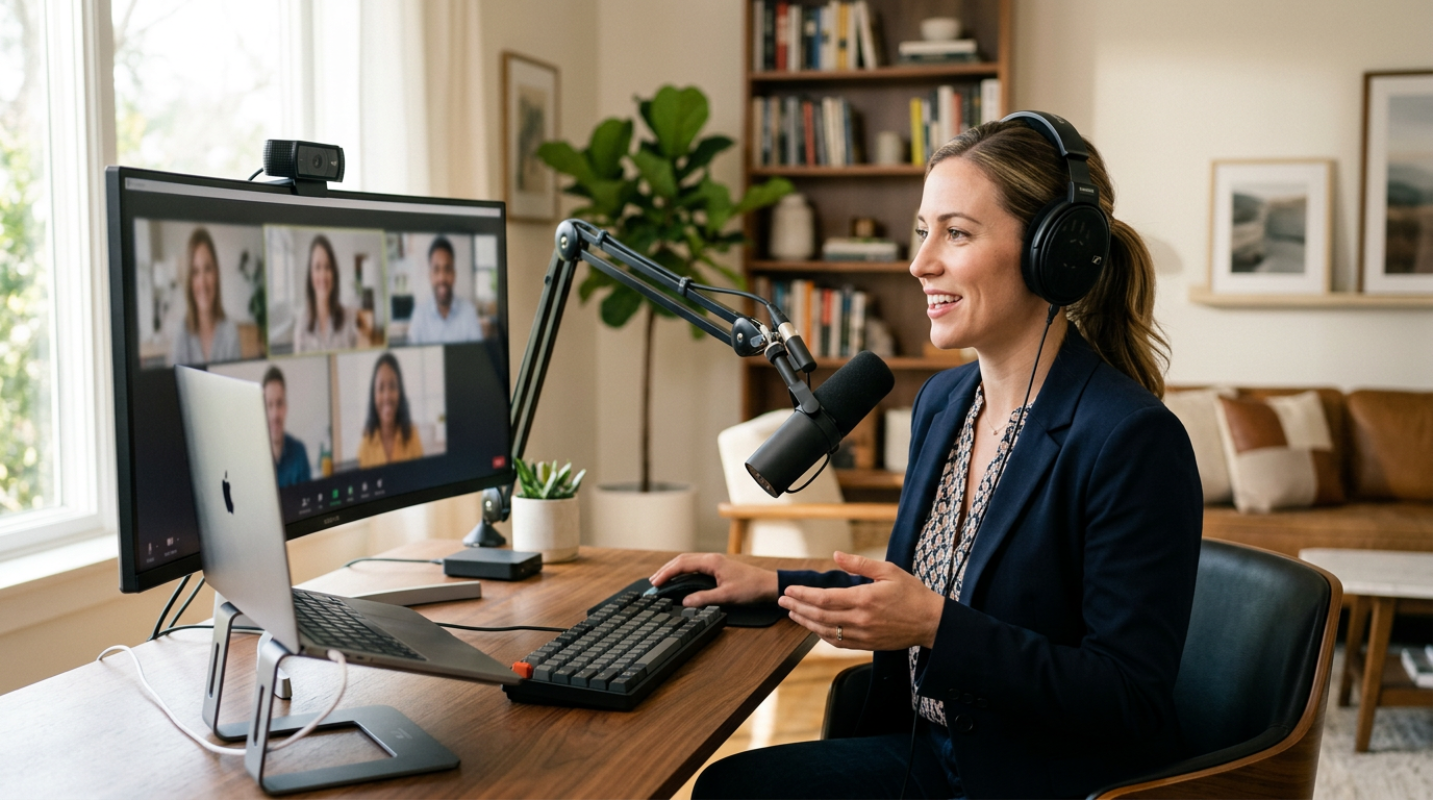
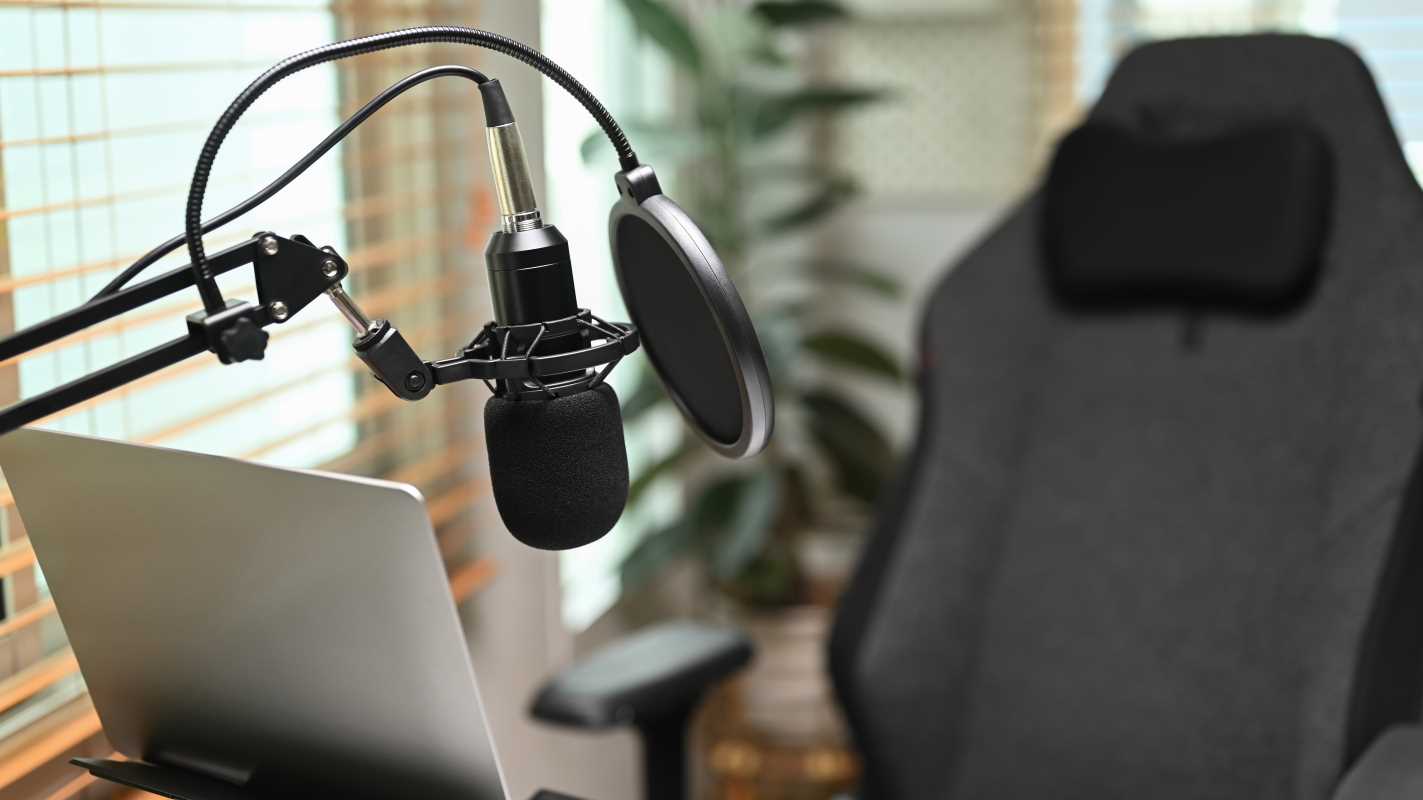
The first thing you should ditch is the little tripod stand that comes with most mics. Those stands sit right on your desk, meaning every time you type or click your mouse, it sounds like an earthquake to your client. Get a boom arm. It’s a metal arm that clamps to your desk and lets you float the mic right in front of your face. It keeps the mic away from your keyboard and makes you look like a pro.
Next, look into a pop filter. Have you ever noticed how "P" and "B" sounds can cause a loud "thump" in a recording? Those are called plosives. A simple mesh pop filter or a foam windscreen acts as a shield, breaking up those bursts of air before they hit the mic.
Finally, consider wearing headphones (or at least one earbud) during calls. This prevents "echo cancellation" issues where your computer tries to mute your mic so it doesn't pick up the sound from your speakers. It also allows you to monitor your own voice, which naturally helps you speak at a more consistent volume.
Software Secrets
Even with the best hardware, life happens. Dogs bark, kids scream, and delivery drivers ring the doorbell. This is where AI-powered software becomes your best friend.
Although platforms like Zoom and Microsoft Teams have built-in noise suppression, they can sometimes make your voice sound robotic. Third-party tools are often much more sophisticated. Like, Krisp is a popular choice that uses AI to strip away background noise in real-time. Interestingly, technical tests have shown that Krisp is about 10% more effective than some hardware-based solutions.
Another heavy hitter is NVIDIA Broadcast, though you’ll need a computer with an NVIDIA RTX graphics card to use it. It’s incredibly powerful at removing even the most intrusive sounds. If you’re on a budget, Windows 11 now includes a "Voice Focus" feature that does a surprisingly good job for free.
Before any big meeting, do a quick "loopback" test. Record yourself for ten seconds and listen back. Is there a hum? Are you too quiet? It takes thirty seconds and can save you from an hour of embarrassment.
The Confident Communicator
The best gear in the world won't help if you're using it wrong. Microphone placement is the most common mistake people make. Think of the "Goldilocks Zone." If the mic is more than 12 inches away, you’ll sound thin and echoey. If it’s less than 3 inches away, you’ll sound distorted.
Aim for about 6 to 12 inches from your mouth. A good trick is the "shaka" hand sign (thumb to pinky). If the mic is that distance from your lips, you’re usually in the sweet spot. Also, try the 45-degree rule. Instead of speaking directly into the mic, point it slightly to the side of your mouth. Your voice will still be clear, but your breath won't hit the sensor directly, which eliminates those annoying "hissing" sounds.
At the end of the day, your audio tools are an investment in your brand. When you sound clear, you appear more confident. When you appear more confident, clients trust you more. Statistics show that 91% of consumers say audio and video quality directly impact their trust in a brand. It might seem like a lot of effort for "just a phone call," but in a world where we're all competing for attention, being the person who sounds the best is a massive advantage.