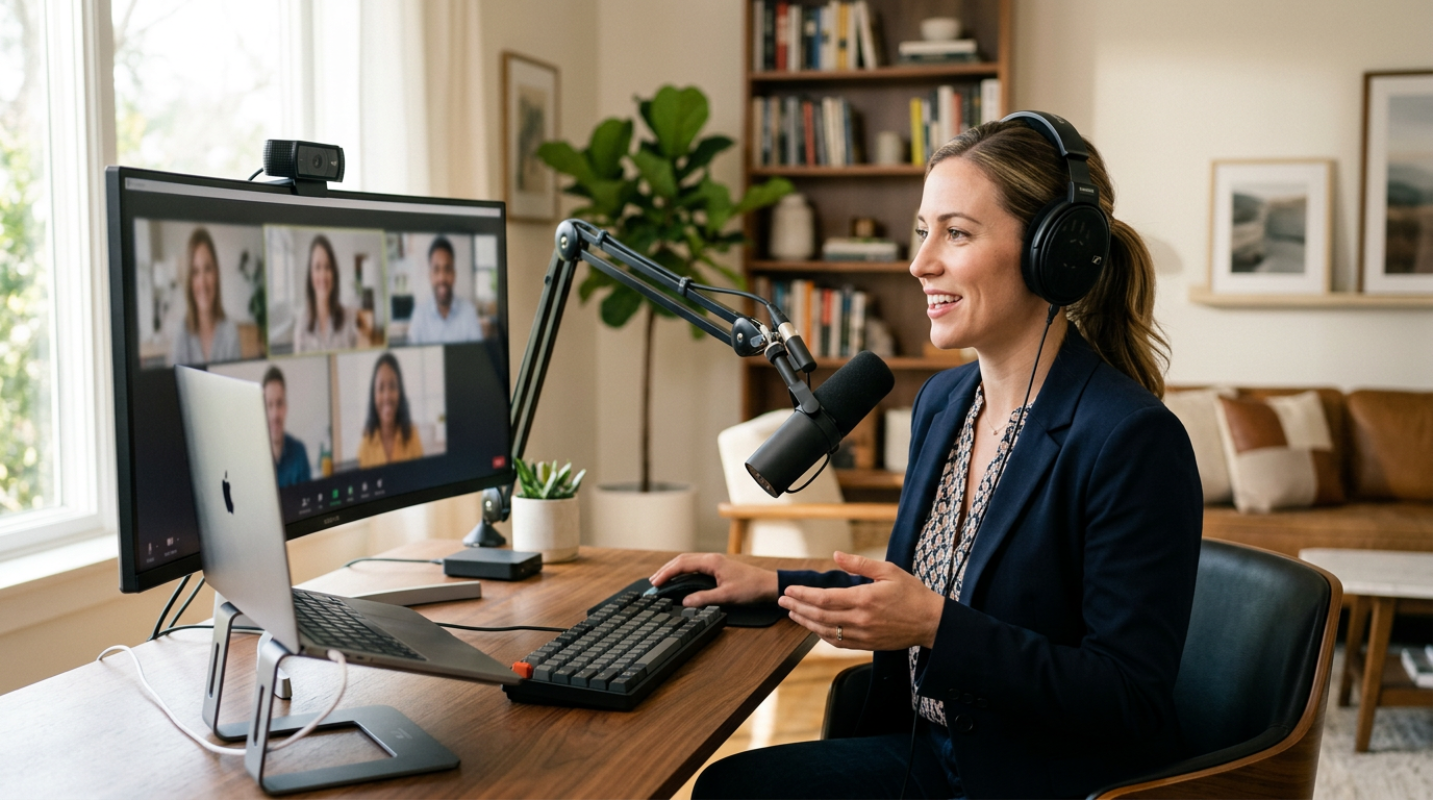
You've probably noticed it by now. In 2026, the digital divide isn't just about who has an internet connection. It's about who looks and sounds like a professional and who still looks like they're calling from a bunker in 2020. Your laptop's built-in webcam was a fine stopgap once. Today, it's a liability. When you're pitching a high-stakes project or interviewing for a leadership role, grainy video and hollow audio send a message you didn't intend to send. It's the digital equivalent of showing up to a boardroom in a wrinkled suit with a megaphone that keeps cutting out. Have you been there? Sitting on a call where someone’s voice is so thin you have to strain to hear them? It’s exhausting. Investing in professional equipment isn't about being a tech geek. It's about how much space you're allowed to take up in a room. High-quality gear removes the friction between your ideas and your audience. If you want to stand out, you have to stop fighting your hardware and start using tools that actually work for you.
Audio Quality That Commands Attention
Most people think video is the most important part of a virtual meeting. They're wrong. Audio is the actual cornerstone of your professional presence. Think of it like this. If a colleague's video freezes but their audio stays crystal clear, the meeting continues without much trouble. But if their audio starts clipping and sounding like a robotic mess, the meeting is effectively over.
There is actual science behind this. A recent study published in PNAS found that poor audio quality directly lowers how others perceive your intelligence and credibility. In controlled experiments, listeners rated a speaker's hireability at 76 out of 100 when the audio was clear. When that same speech was distorted to simulate a cheap microphone, that rating dropped to 68.5. That’s a massive gap just because of a bad mic.
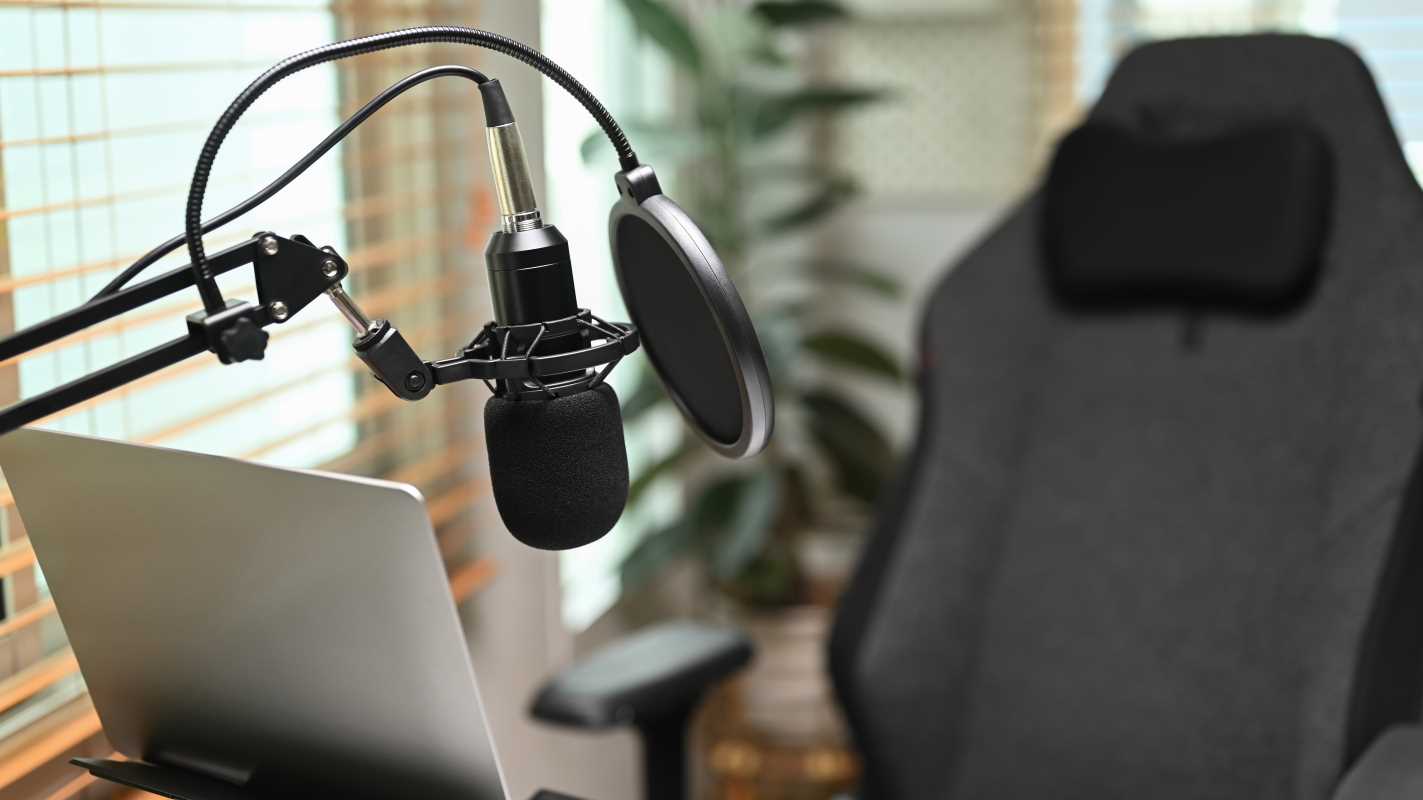
So what does this actually mean for your setup? You need a dedicated microphone. A USB condenser microphone like the Shure MV7+ is a fantastic choice because it uses voice isolation technology to ignore your neighbor's lawnmower or the echo in your home office. It’s a hybrid mic, meaning it works with a simple USB cable today but can grow with you if you ever move to a professional XLR interface.
If you want something even simpler, the Shure MV6 offers professional processing in a plug-and-play format. The goal is to get the microphone off your laptop and closer to your mouth. This reduces the "room sound" and makes your voice sound rich and authoritative. If you prefer a headset, look for something with a high-quality boom mic like the Sennheiser SC635. Avoid relying on Bluetooth earbuds for important calls. The lag and battery anxiety aren't worth the risk.
Visual Impact Through Lighting and Camera
Once your audio is sorted, it's time to fix the "witness protection program" look. Most built-in webcams have tiny sensors that struggle with even the slightest bit of shadow. The result is a grainy, muddy image that makes you look unprofessional.
Upgrading to a 4K webcam like the Insta360 Link 2 Pro or the Logitech MX Brio 705 changes the game entirely.¹ These cameras have larger sensors that handle light much better. But here is a secret. You don't necessarily need 4K because Zoom or Teams will probably compress your video to 1080p anyway. You want 4K so you can crop the image. It lets you zoom in on your face without the picture becoming a blurry mess.
But even a $1,000 camera looks terrible in bad lighting. Have you ever sat with a bright window behind you? You become a dark silhouette, and it’s impossible for people to see your facial expressions. Trust is built through eye contact and micro-expressions. If people can't see your eyes, they're less likely to trust what you're saying.
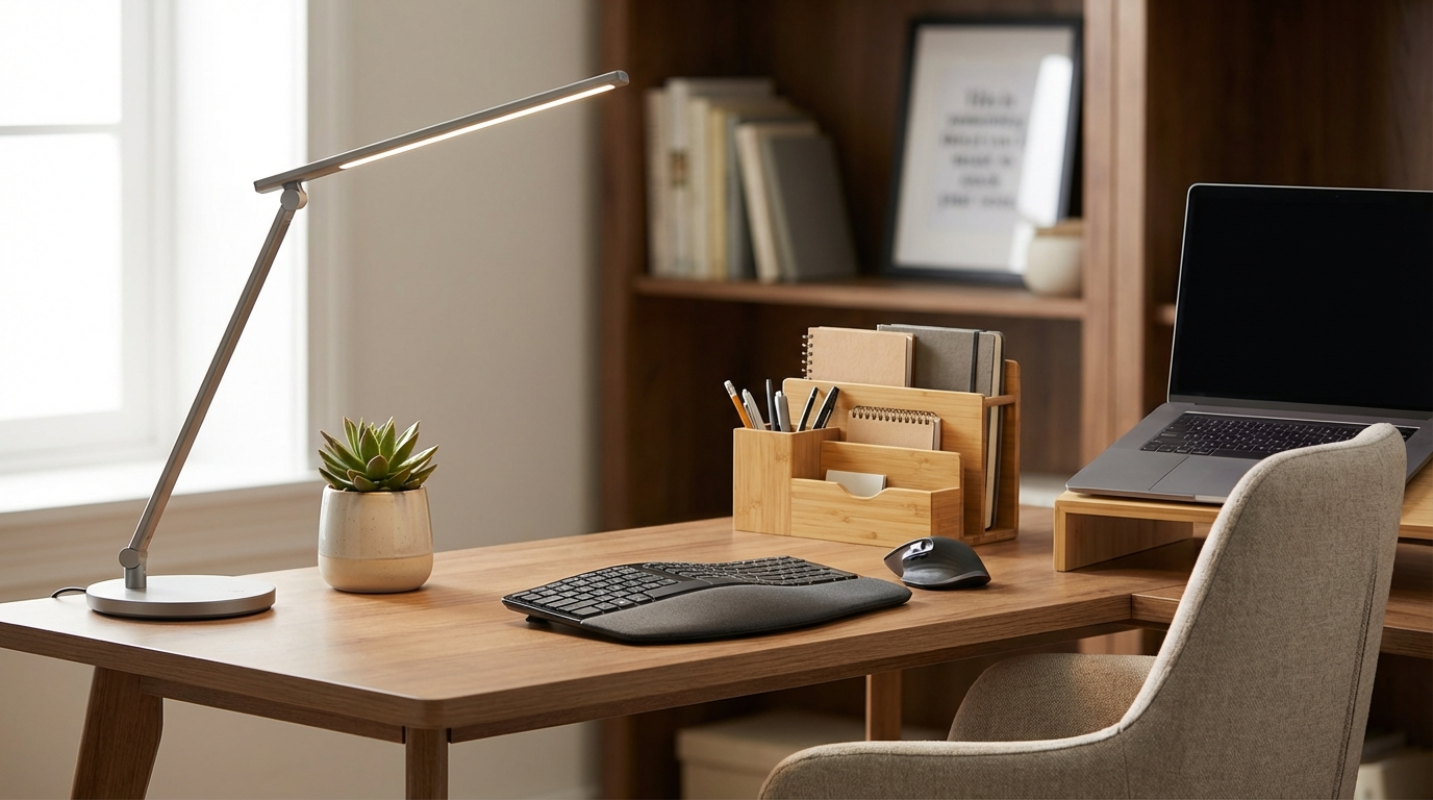
The gold standard is three-point lighting. You need a key light (your main source), a fill light (to soften shadows on the other side of your face), and a backlight (to separate you from the wall). You don't need a Hollywood set for this. A single high-quality desk lamp like the Lume Cube Edge Light 2.0 can do wonders. It has adjustable color temperatures, so you can match the light to your skin tone or the time of day.
Top Recommendations
• Shure MV7+, The gold standard for home office audio. It filters out background noise and makes you sound like a professional broadcaster.
• Insta360 Link 2 Pro, A 4K webcam with a built-in gimbal that follows you if you move around. It's like having a personal camera operator.
• Lume Cube Edge Light 2.0, A sleek desk lamp that provides soft, flattering light. It’s needed for looking sharp on camera without harsh shadows.
• Elgato Stream Deck, A customizable keypad that lets you mute, switch slides, or trigger "away" messages with one touch.
Seamless Connectivity for Uninterrupted Meetings
The best gear in the world won't save you if your internet drops out during a closing pitch. We often treat Wi-Fi like it's a given, but it's prone to interference from microwaves, walls, and other devices. If your home office is permanent, do yourself a favor and run an Ethernet cable. A wired connection is the digital equivalent of a paved highway compared to the dirt road of Wi-Fi.
Beyond the internet, think about how you control your environment. This is where hardware like the Elgato Stream Deck comes in. It’s a small device with programmable buttons. Instead of fumbling with your mouse to find the "mute" button while your dog barks, you just hit one physical key. You can set buttons to open your presentation, turn on your lights, or even drop a "thank you" link in the chat. It’s about reducing the mental load so you can focus on the person you're talking to.
Don't forget the physical layout of your space either. Your monitor should be at eye level so you aren't looking down at your colleagues. This helps maintain the illusion of eye contact. If you're looking down, it can come across as dismissive or tired. A simple monitor riser or an adjustable arm can fix your posture and your presence in one move.
Investing in Your Professional Future
It’s easy to look at a list of gear and see a bunch of expenses. But it's better to frame this as an investment in your career visibility. In a world where your "office" is a 14-inch laptop screen, these tools are how you project confidence and competence.
You don't have to buy everything today. Start with an audit of your current setup. Ask a trusted colleague to give you honest feedback on your next call. Do you sound like you're underwater? Is your face half-hidden in shadows? Does your video look like a security camera from the nineties?
Pick the one thing that is hurting your presence the most and upgrade it. Maybe it’s a $60 Anker webcam or a dedicated light for your desk. Each small improvement closes the "professionalism gap" and make sures that when you speak, people are actually listening to your ideas rather than wondering why your tech is failing. Your professional future is increasingly digital. Make sure you're showing up in high definition.