We've all been there. You're trying to crush a deadline, but your kitchen table feels like a battlefield of cereal crumbs and mail. Since the shift to remote work became the standard, we've realized that a desk isn't just a flat surface. It's the cockpit of your career. In 2026, the way you arrange your furniture isn't just about aesthetics. It's about hacking your brain for better focus and energy. Your layout is the silent partner in your daily workflow. If you're constantly turning around to see who's entering the room or squinting against a window glare, you're leaking mental energy. Intentional design is about removing those tiny frictions so your brain can stay in the zone. So, how do you turn a spare corner or a dedicated room into a high-performance hub? It starts with where you point your chair.
The Power of Placement
There's a reason CEOs don't sit with their backs to the door. It's called the Command Position. This layout, rooted in Feng Shui and backed by modern psychology, suggests you should place your desk so you can see the entrance without being directly in line with it. It's about biology. When your back is to an open door, your brain stays in a state of subconscious vigilance. You're scanning for surprises, which eats up the bandwidth you need for deep work.
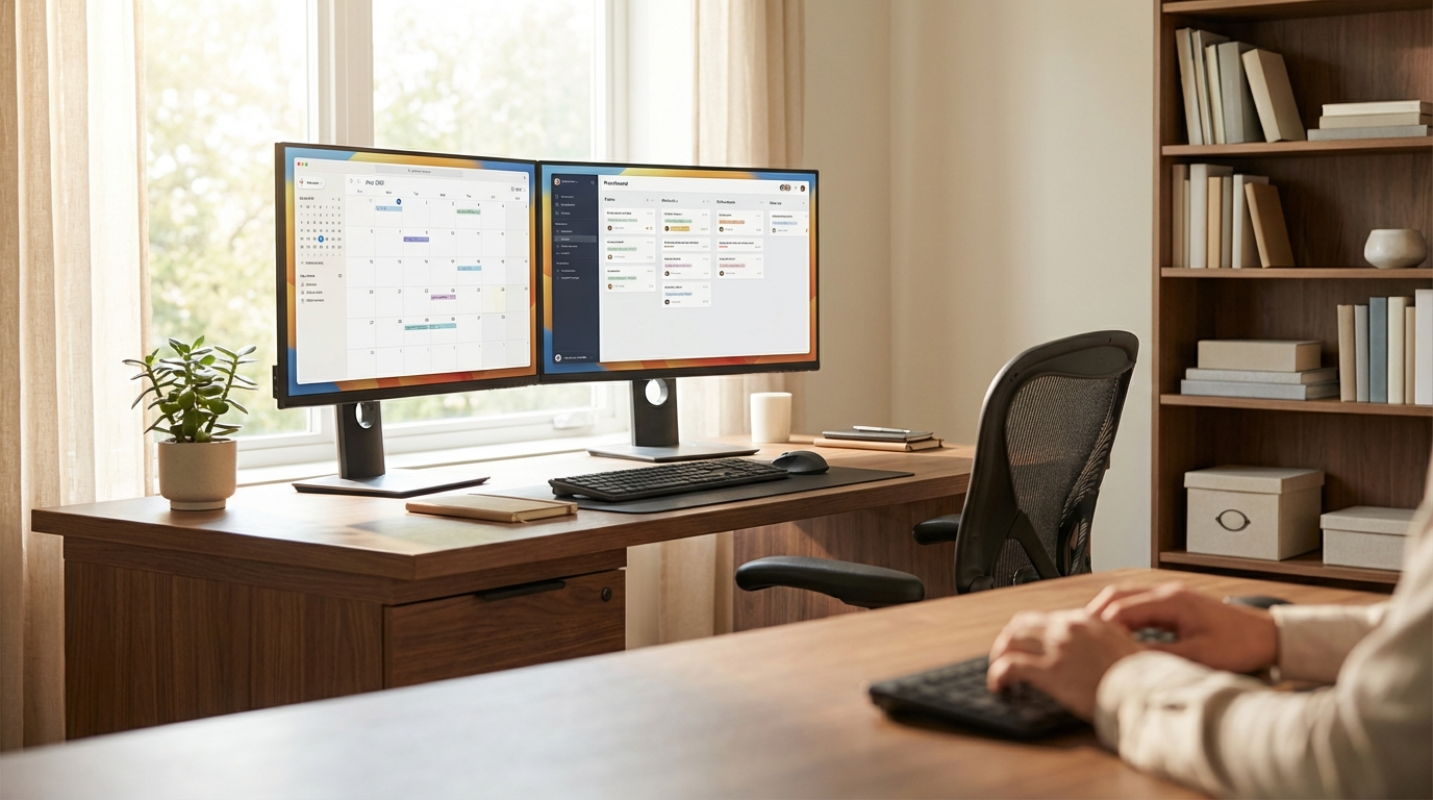
What about windows? It's a classic debate. Facing a window can provide a 15% boost in well-being through biophilic design, which is basically just a fancy way of saying humans like nature. But if you're a writer or a coder, a busy street outside might be a recipe for distraction. The best middle ground is placing your desk perpendicular to the window. You get the natural light and the view when you turn your head, but the screen stays clear of glare.
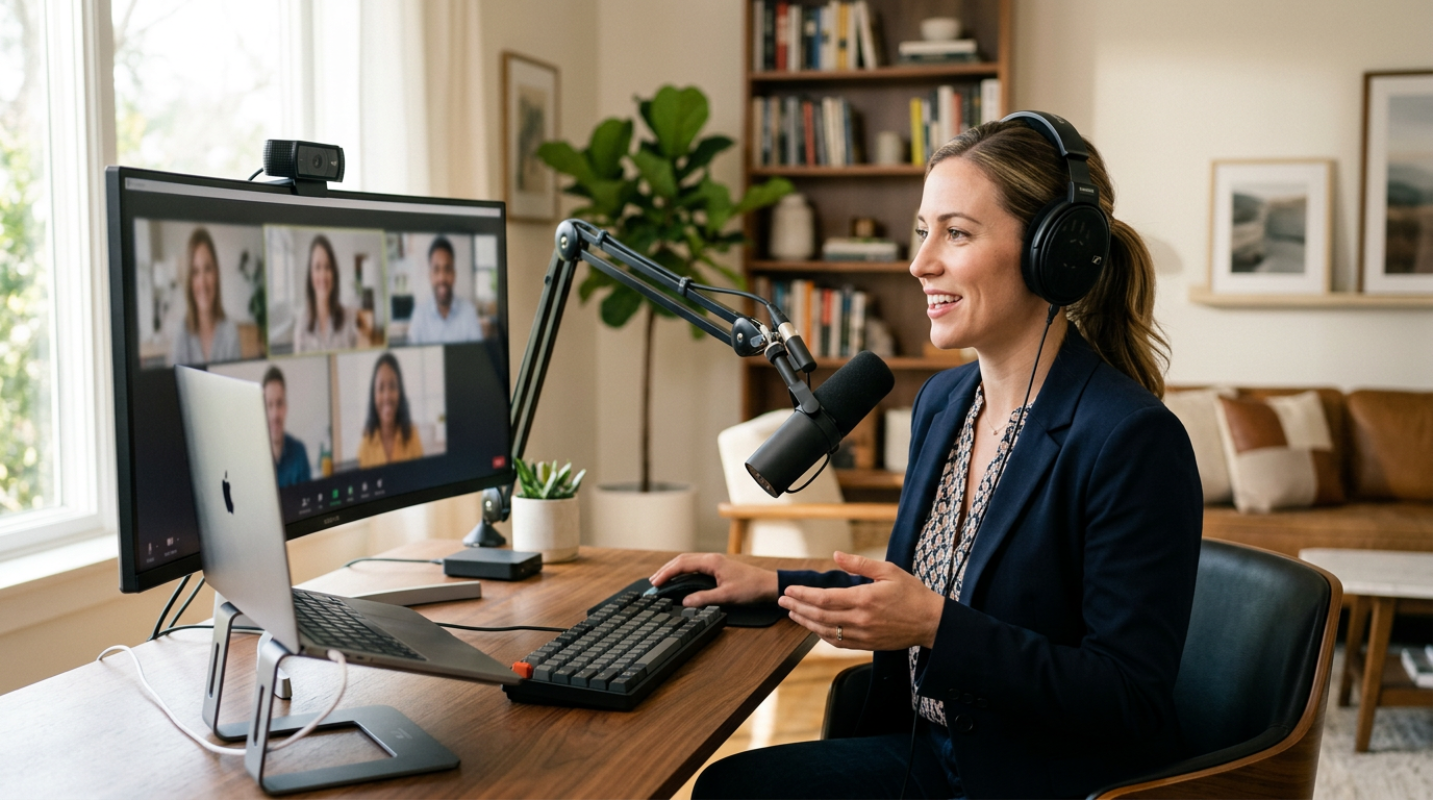
Your layout should also reflect your professional persona. A 2026 study found that your video call backdrop directly impacts how colleagues perceive your competence. If you want to look like an expert, skip the messy bedroom view or the fake digital filters. Aim for a backdrop of organized bookshelves or indoor plants. These elements are rated highest for trustworthiness and professionalism.
Zoning for Focus
One of the biggest traps of working from home is the blurring of boundaries. When your office is also your gym or your guest room, your brain never fully "clocks in." This is where zoning comes into play. Even in tiny apartments, you can create physical separation. Use a rug to define the office territory or a tall bookshelf to act as a room divider.
Think of your layout in three distinct zones
• The Deep Work Zone: This is your primary desk area, kept free of anything not related to your main tasks.
• The Quick Task Zone: A secondary spot, perhaps a standing station or a small side table, for checking emails and quick calls.
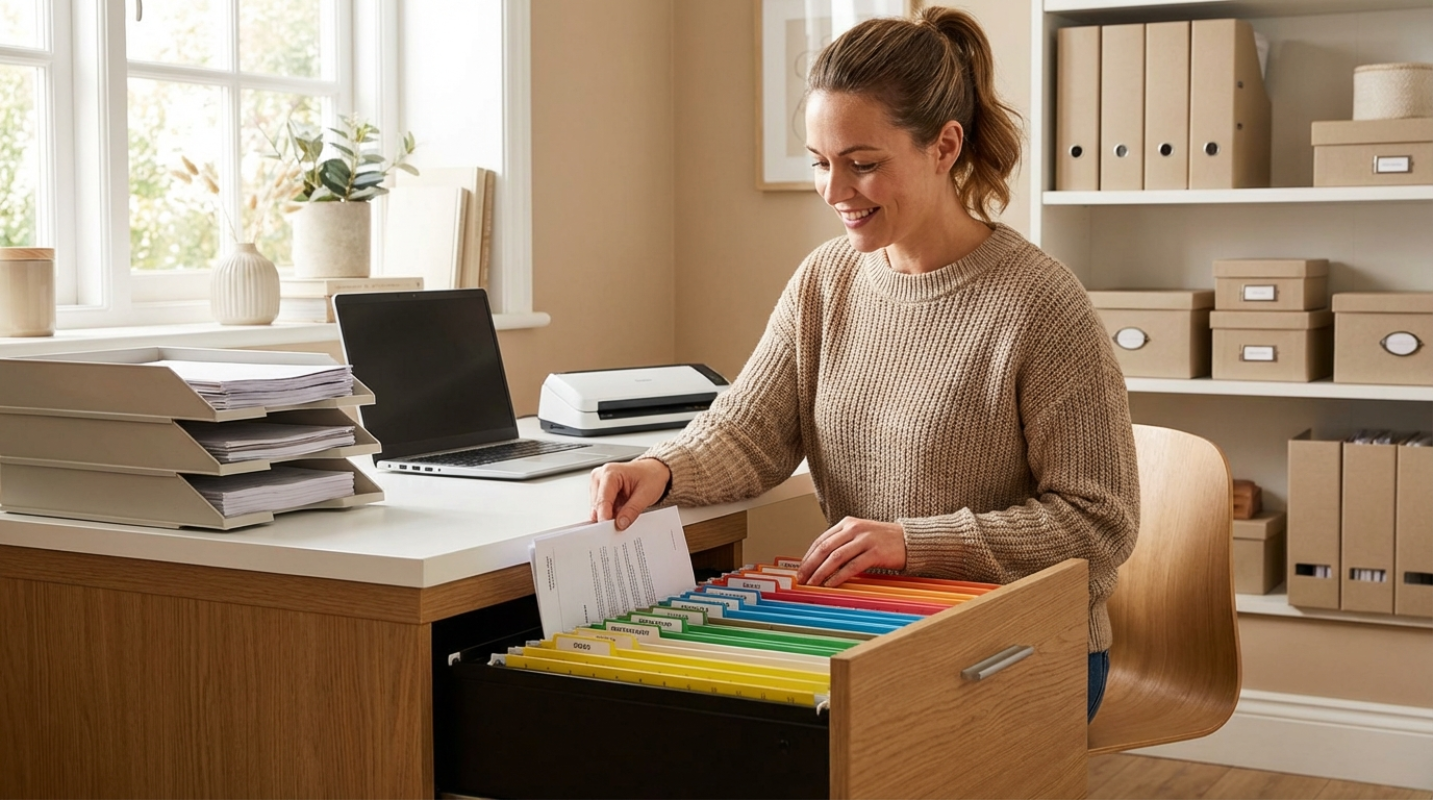
• The Storage Zone: A dedicated area for files and hardware, keeping your visual field clear of clutter.
This separation helps with the mental transition between tasks. When you move from your deep work desk to a standing station for a meeting, you're giving your brain a physical cue that the "mode" has changed. For the 29% of workers now in hybrid models, using convertible furniture like Murphy desks is a lifesaver for reclaiming living space after hours.¹
Ergonomics Meets Flow
You can have the most beautiful office in the world, but if your neck hurts after an hour, your productivity will tank. The 2026 standard for a high-performing office is kinetic ergonomics. This means your layout should encourage movement. Instead of just a chair, consider active seating or a sit-to-stand desk.
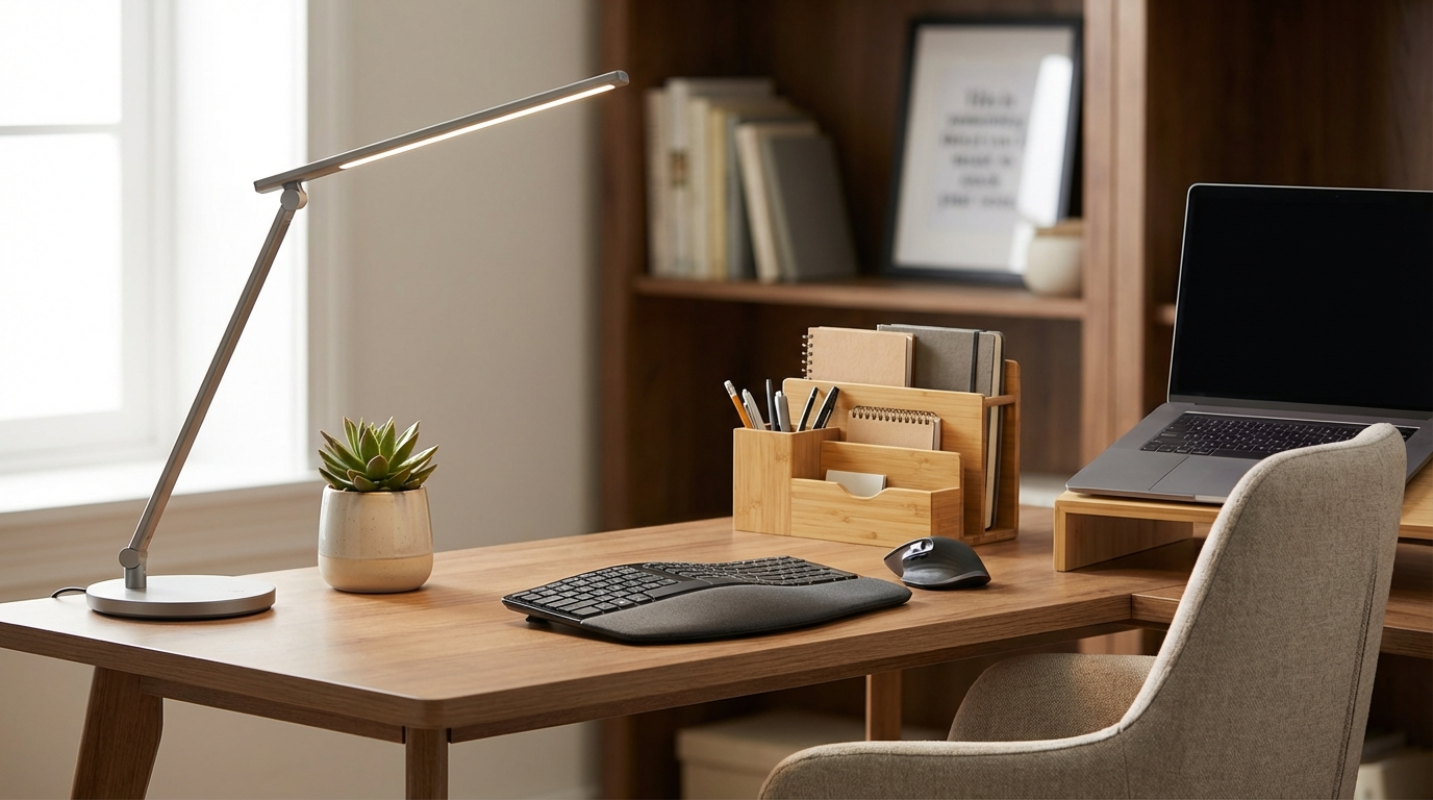
When setting up your station, remember the 90-90-90 rule. Your elbows, hips, and knees should all be at 90-degree angles. Your monitor should be an arm's length away with the top of the screen at eye level. This isn't just about comfort. It's about preventing the fatigue that makes you want to quit at 3 PM.
Lighting is another heavy hitter. Access to natural light is linked to an 18% increase in productivity. If you're tucked into a basement or a windowless corner, mimic the sun with 5000K LED bulbs for your task lighting. And don't forget about sound. If you're in a noisy house, a solid core door is your best friend. It blocks significantly more sound than the standard hollow doors found in most modern homes.