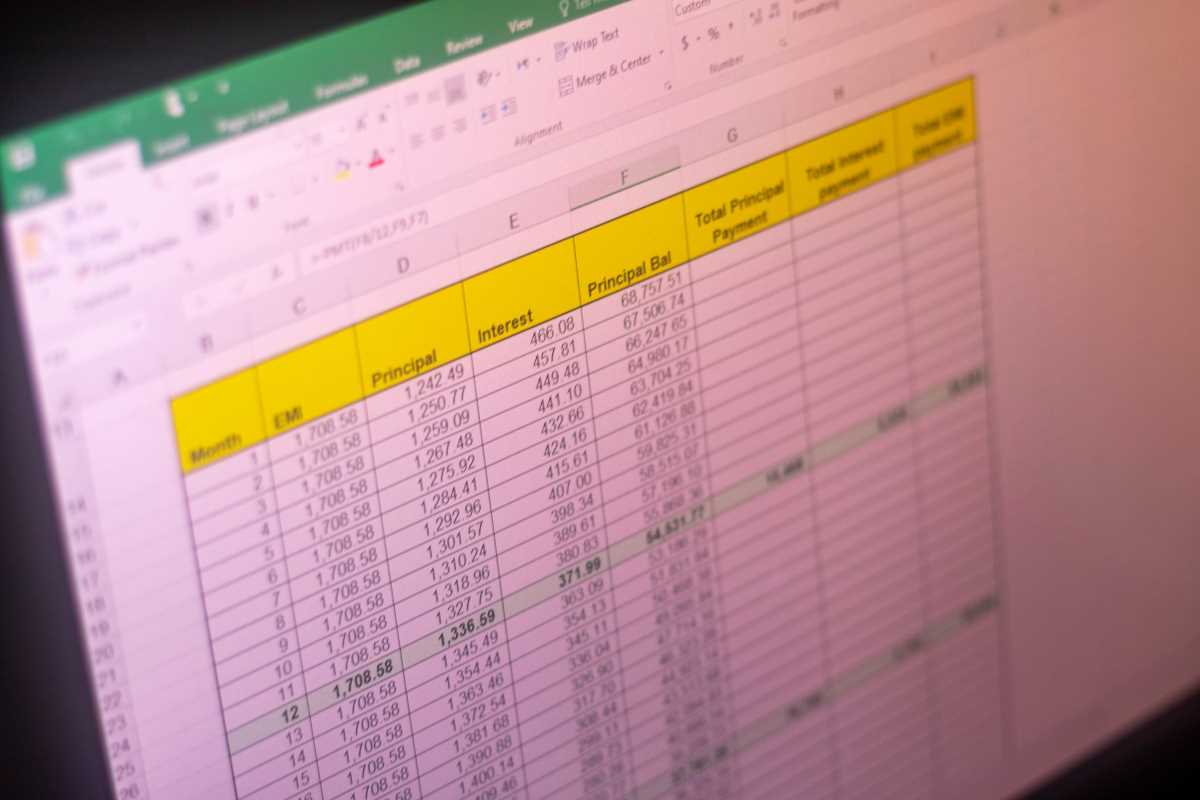
Remember the days of stuffing crumpled receipts into a shoebox and hoping for the best at the end of the month? If you're still running your business that way in 2026, you're not just outdated. You're losing money. The shift to remote and hybrid work has made the old manual processes impossible to maintain. When your team is spread across different time zones, you can't exactly walk a paper form over to the finance desk. Traditional tracking is slow, prone to human error, and a nightmare for compliance. Did you know that processing a single manual expense report costs an average of $58? When you switch to an automated, remote-friendly system, that cost drops to under $10.¹ That's a massive difference that goes straight to your bottom line.
Effective remote tracking is about more than just digital photos of receipts. It's about speed, accuracy, and making sure you stay on the right side of the tax man. It's the difference between a chaotic end-of-year scramble and a smooth, automated workflow that runs in the background while you focus on actually growing your business.
The Technology Stack for Modern Teams
You don't need a massive IT department to set up a world-class expense system. The current software market has options for everyone, from solo freelancers to scaling startups. Most of these tools now use what experts call agentic AI to do the heavy lifting for you.
Think of it like this. Instead of you typing in dates and amounts, the software "reads" the receipt using optical character recognition. It can capture over 130 data points from a single image. It knows the difference between a coffee meeting and a hardware purchase without you saying a word.
Integration is the secret sauce here. You want a platform that plugs directly into your bank feeds and your accounting software. When you swipe a card, the transaction should show up in your tracking app instantly. No more manual entry. No more "I'll do it later" pileups.
Key Features to Look For
• Mobile Receipt Capture, Your team should be able to snap a photo and discard the paper immediately.
• Automated Categorization, The system should automatically assign expenses to the right accounts based on the vendor.
• Real-Time Fraud Detection, Modern AI flags duplicate receipts or out-of-policy spending the moment it happens.
• Carbon Tracking, Many 2026 platforms now calculate the environmental impact of your business travel automatically.
Streamlining Approval Workflows
How do you handle approvals when your manager is in London and your employee is in Los Angeles? You build a digital hierarchy that lives in the cloud. You shouldn't have to send follow-up emails to get a $20 software subscription approved.
Many teams are now moving these actions into the places where they already work. Have you seen the latest integrations for Slack and Microsoft Teams? You can now approve or reject an expense with a single click inside a chat window. It keeps the momentum going without forcing everyone to log into a separate financial portal.
If you have an international team, things get a bit more complex. You need a system that handles multi-currency transactions and fluctuating exchange rates in real-time. This prevents your employees from losing money on the conversion and keeps your books accurate.
Setting up automated alerts is another lifesaver. You can program the system to automatically approve anything under $50 that fits your policy. This frees up your managers to focus on the bigger, more strategic expenses that actually require a human eye.
Making sure Compliance and Minimizing Tax Risk
Tax compliance is usually the part that keeps business owners up at night. The rules for remote work have changed significantly over the last couple of years. In 2026, the IRS home office deduction rate is $6 per square foot, with a maximum cap of $1,800.
But there's a catch. If you're a W-2 employee, you generally can't deduct these things on your federal return. But your employer can reimburse you tax-free if they use an Accountable Plan. This requires strict documentation and receipts for every single claim.
State laws are also getting tougher. States like California and Illinois now mandate that employers reimburse remote workers for "necessary" expenses like internet and phone bills. If you don't have a solid digital audit trail, you're opening yourself up to significant legal risks.
The best way to handle this is to create an iron-clad digital documentation system. Your software should store every receipt in a format that meets IRS requirements for permanence and readability. If you ever get audited, you want to be able to export a complete report in seconds rather than digging through old emails.
Getting the most from Visibility and Control
We're seeing a major shift in how finance teams operate. They're no longer just "receipt chasers" who show up at the end of the month to complain about spending. Instead, they've become strategic advisors who use real-time data to guide the company.
When you track expenses remotely in real-time, you get access to powerful dashboards. You can see exactly where your money is going as it happens. Are you spending too much on SaaS subscriptions? Is travel hitting your budget harder than expected? You'll know on Tuesday, not three weeks after the month ends.
This visibility allows you to integrate expense data directly into your budgeting cycles. You can adjust your spending on the fly based on actual performance. It's a level of agility that traditional businesses simply can't match.
Streamlined expense management isn't just a back-office task. It's a fundamental part of a modern, remote-first culture. It shows your team that you value their time and that you've built a system designed for the way they actually work.
This article on rotechno.com is for informational and educational purposes only. Readers are encouraged to consult qualified professionals and verify details with official sources before making decisions. This content does not constitute professional advice.