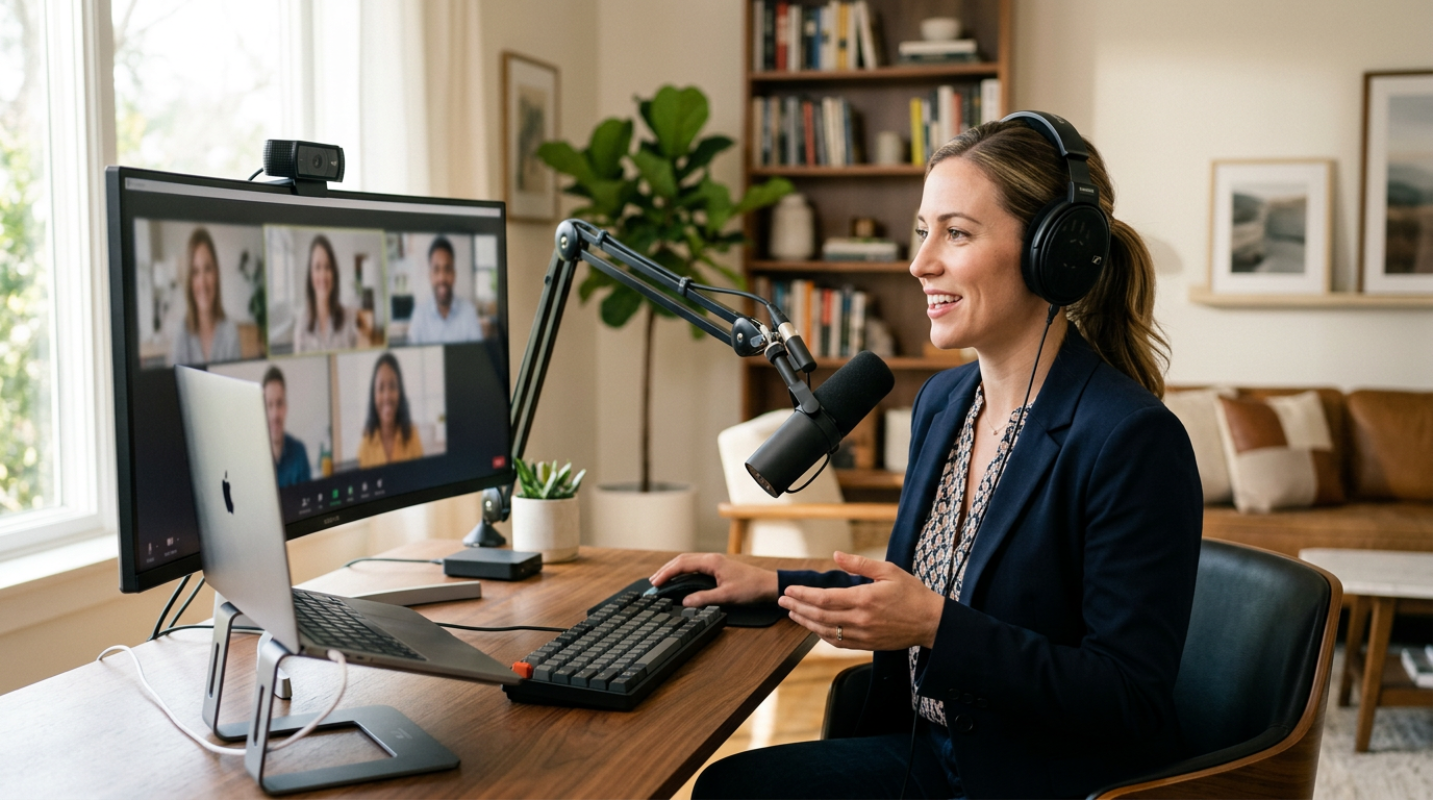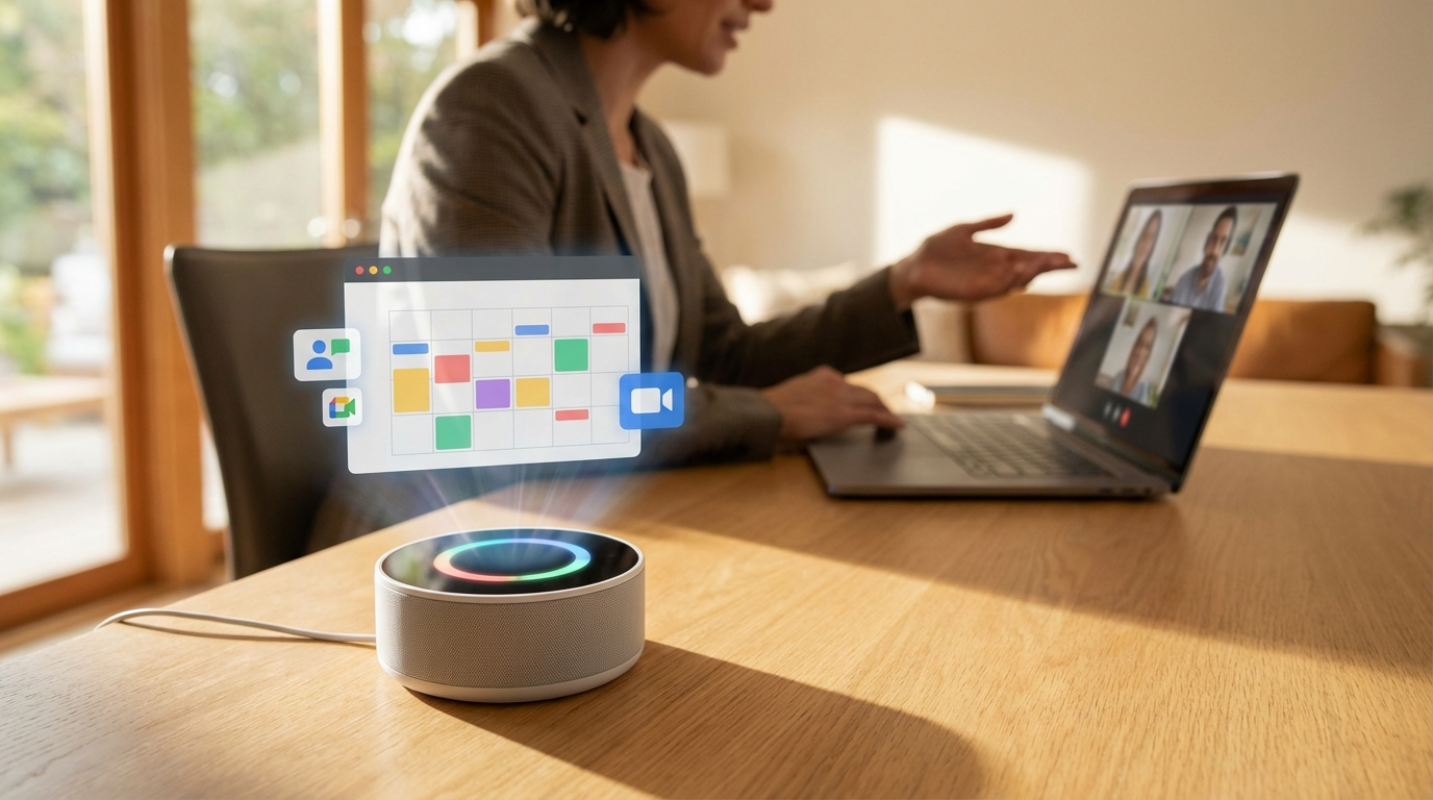
Remember when your smart speaker only knew how to tell you the weather or set a three-minute timer for pasta? Those days are long gone. Now, your home AI assistant is more like a high-level executive partner than a plastic cylinder on your kitchen counter. If you're working from home in 2026, you've likely felt the crush of the "meeting marathon." Since 2020, weekly meetings have jumped by a staggering 153 percent. It's a lot to handle, right? Managing a professional schedule while balancing a home life is a major pain point for most of us. You aren't just trying to find a time to talk. You're trying to protect your focus, manage energy levels, and actually get work done between the calls. This is where artificial intelligence takes the lead. These tools have moved from being passive listeners to proactive agents that manage your entire professional life.
Think of it like having a personal chief of staff who never sleeps and doesn't need a coffee break. These assistants don't just "know" your schedule. They understand the context of your work. They know which meetings are flexible and which ones are set in stone. They've become the bridge between your digital calendar and your physical home office environment.
How AI Assistants Master the Meeting Maze
How do these tools actually handle the chaos? It's not just about putting a block of time on a grid. True AI assistants use Natural Language Processing (NLP) to understand what you actually mean when you say, "I need to talk to Sarah next week, but not on Monday morning." They handle the time zone math that usually makes your head spin.
Have you ever spent twenty minutes just trying to find a time that works for three people in three different time zones? It is the digital equivalent of herding cats. Modern AI tools resolve these conflicts without you ever sending a single "Does 2 PM work for you?" email. Research shows that automating these notes and schedules helps users reclaim between two and five hours every single week. That is basically an entire afternoon back in your pocket.
The difference between a basic calendar app and a true AI assistant is the ability to reason. A calendar app is a static map. An AI assistant is a GPS that recalculates your route in real-time when a "quick call" runs long or a client cancels at the last minute. It doesn't just show you the conflict. It fixes it.
Scheduling and Automation
These tools do much more than just book a slot. They connect the dots across your entire digital life. By integrating with your email, CRM, and video conferencing platforms, they create a seamless flow of information. Before you even log into a call, your assistant has already gathered the context you need.
Automated preparatory tasks are a game changer for the home-based professional. Some tools can now scan your calendar, research the people you're meeting with, and deliver a briefing to your phone ten minutes before the call starts. You'll never walk into a meeting cold again. During the call, they capture action items and generate agendas, making sure that "we should follow up on that" actually turns into a task in your project management software.
Of course, privacy is a big deal when you're letting an AI listen to your work calls. You have to be careful about what data you're sharing. Many of the top tools now offer bot-free modes or offline processing to keep your sensitive information secure. It's about finding that balance between being productive and staying protected.
Top Recommendations for Your Home Office
When you're looking for the right partner for your home office, you have to decide what your biggest struggle is. Is it the transcription? Is it the scheduling? Or is it the follow-up?
• Otter.ai, This is the go-to for transcription accuracy. It hits about 95 percent accuracy and has a great mobile app for when you're working away from your desk.
• Fireflies.ai, If you use a lot of different apps, this is your winner. It connects to over 6,000 platforms and uses sentiment analysis to tell you how the meeting actually went.
• Jamie, This is perfect for those who want a "ghost" assistant. It doesn't show up as a visible bot in the meeting, which is great for high-level executive calls where a bot might be a distraction.
• Fathom, For freelancers or startups on a budget, this offers incredible value with unlimited free recording and transcription.
• Motion, This isn't just a meeting tool. It's a full-blown daily organizer that automatically moves your meetings to protect your deep work blocks.
Proactive Assistance and the Road Ahead
The future of these tools is looking even smarter. We're moving into the era of "Agentic AI." These are tools that don't just record what happened. They act independently. Imagine an assistant that can join a meeting on your behalf when you're double-booked, answer basic questions in the chat, and then send you a summary of what you missed.
We're also seeing a rise in dedicated hardware. Devices like the Plaud Note or wearable pins are becoming common in home offices. They use GPT-4o to turn "kitchen table brainstorms" into structured project plans instantly. It bridges the gap between your physical space and your digital workflow.
To get the most out of your current assistant, start by letting it handle the small stuff. Let it write your follow-up emails. Let it suggest your meeting times. Once you trust it with the small tasks, you'll find you have much more mental space for the big ideas. Embracing this technology isn't just about being "techy." It's about making your work life fit into your human life.