You've probably noticed it. You're scrolling through a feed and one video looks like a grainy home movie while the next looks like a high-budget documentary. What's the actual difference? In 2026, the gap between amateur and professional content isn't just about the person behind the lens. It's about the ecosystem of tools you choose to use. High-quality video recording is no longer just a luxury for film studios. It's the entry fee for anyone wanting to be taken seriously in the digital space. But what does professional actually mean today? We're talking about more than just 4K resolution. It's about dynamic range, 10-bit color, and frame rates that allow for buttery smooth motion.
So how do you build a setup that doesn't just look good today but stays relevant for the next few years? You have to look at your gear as a pipeline rather than just a collection of gadgets. This involves balancing your camera choice with audio clarity, lighting precision, and a workflow that doesn't make your computer scream for mercy.
Picking Your Engine Mirrorless vs Cinema
The debate used to be simple. You bought a mirrorless camera if you wanted something small, or a cinema camera if you had a crew. Today, those lines are almost gone. Hybrid cameras have become so powerful that they can handle almost any professional task. But there are still trade-offs you need to consider before dropping thousands of dollars.
Mirrorless cameras like the Sony A1 II or the Nikon Z6 III are incredible for solo creators. They're light, they have autofocus that feels like magic, and they take world-class photos too. But they have a weakness. They're prone to overheating if you're shooting long interviews in 8K. They also usually lack the professional ports you'll eventually need.
Cinema cameras like the Sony FX6 or the Canon C400 are built for the long haul. They have internal fans, so they won't shut down in the middle of a shoot. They also have built-in ND filters. Think of these like sunglasses for your camera sensor. They let you keep that blurry background look even in bright sunlight without having to screw extra glass onto your lens.
For many, the Sony FX3 is the perfect middle ground. It's technically a cinema camera, but it's shaped like a mirrorless one. It has become the gold standard for high-end YouTubers because it offers professional reliability in a body you can actually carry around all day.
The Invisible Quality Sound and Light
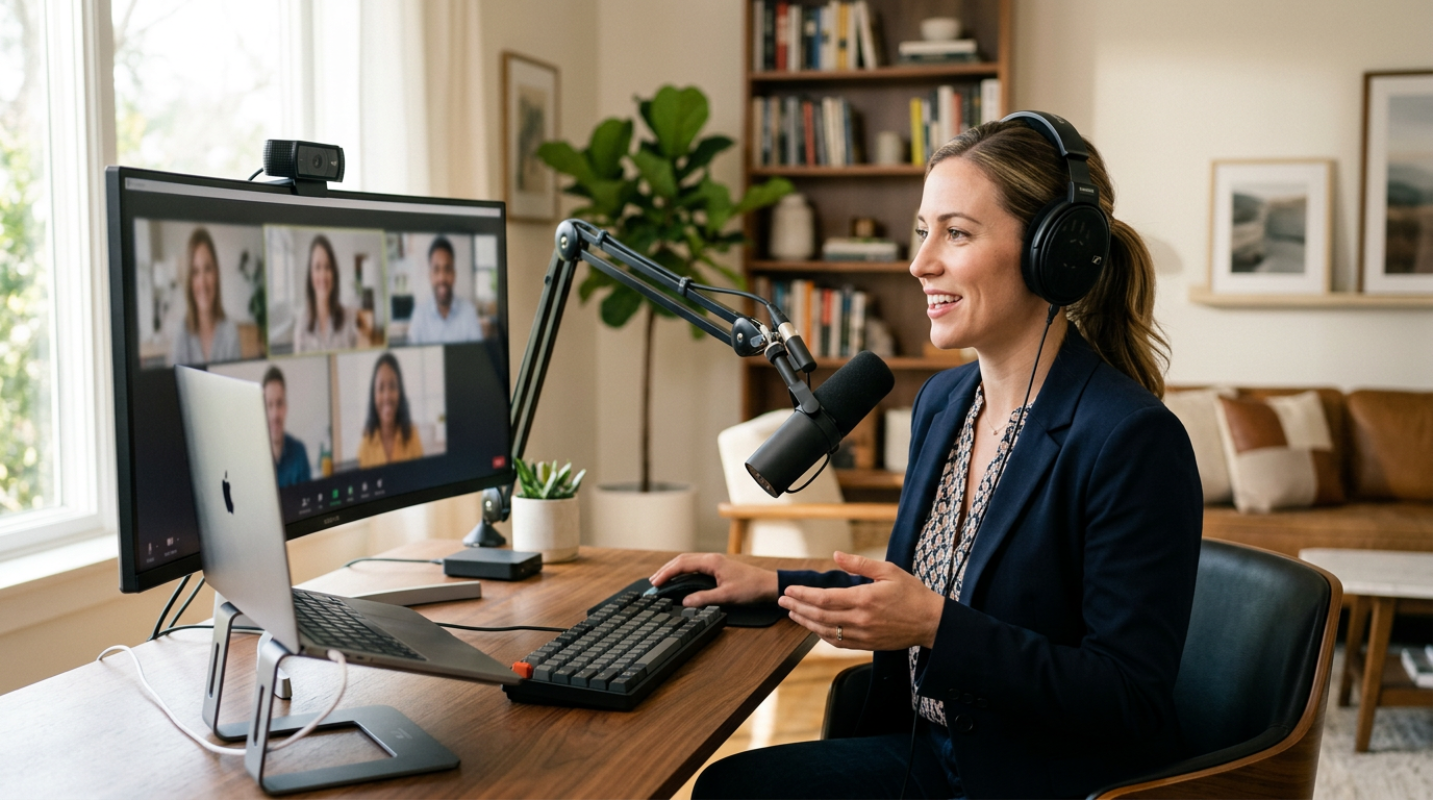
Have you ever tried to watch a beautiful video with terrible audio? You probably didn't last thirty seconds. Professional creators know that audio is actually more important than the picture. If your video is a bit soft, people will stay. If your audio is crackly or echoey, they're gone.
The biggest shift recently is the rise of 32-bit float recording. This is the digital equivalent of a safety net. In the past, if someone screamed or a car honked, your audio would clip and be ruined. With 32-bit float, you can literally recover that audio in post-production without any distortion. It's a game changer for anyone recording in unpredictable environments.
• Shotgun Microphones: These are your best friend for directional sound. A Sennheiser MKE 600 is a classic choice because it ignores the noise coming from the sides and focuses on what's in front of it.
• Wireless Systems: If you're moving around, you need a wireless kit. Systems like the Rode Wireless Pro now include that 32-bit float recording internally, so you have a backup if your wireless signal drops out.
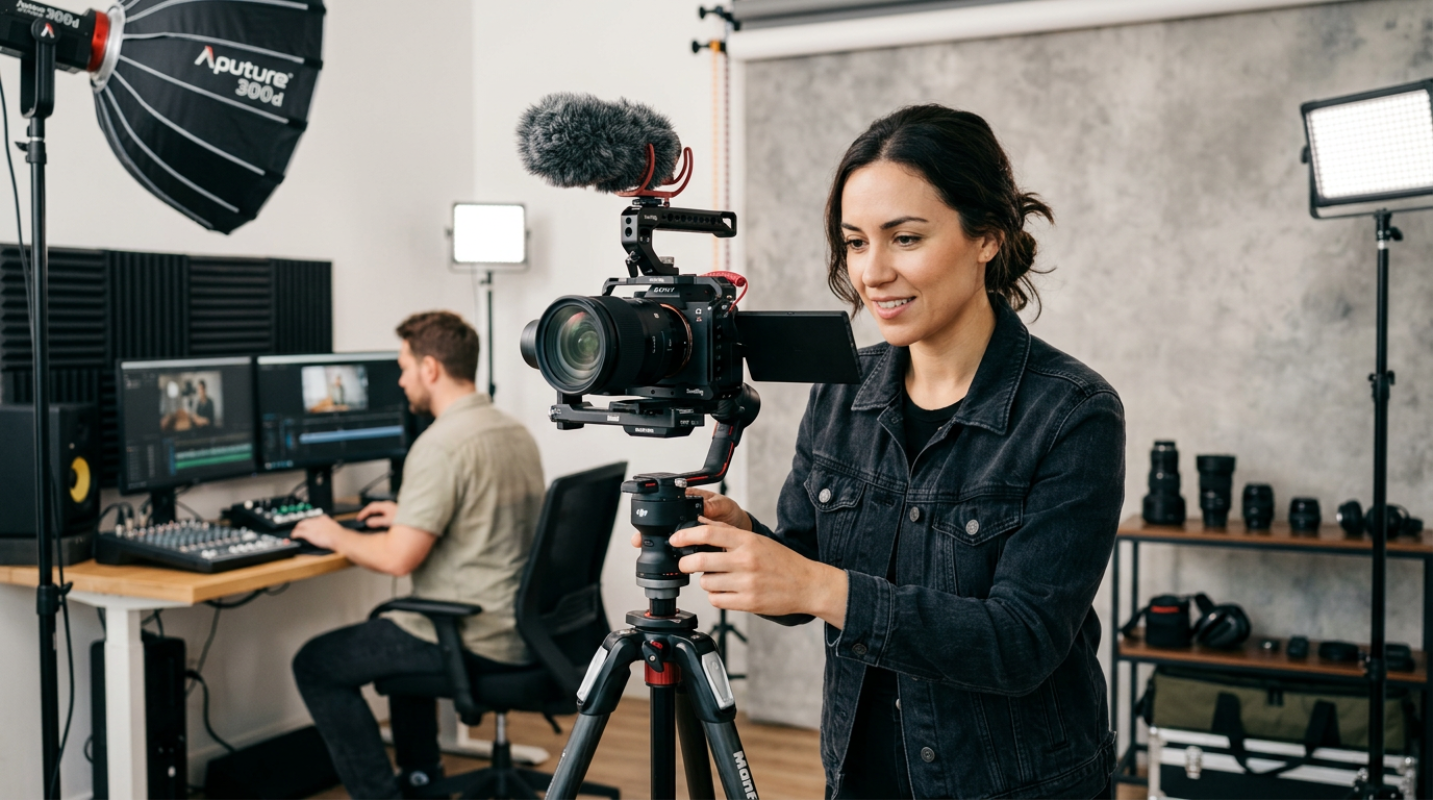
Lighting is the other half of the battle. You don't need a massive Hollywood rig anymore. Modern LED panels are small, battery-powered, and can change to any color you want. The trick is using bi-color or RGB lights to match the mood of your scene. A single well-placed light can make a $500 camera look like a $5,000 one.
Behind the Scenes Making the Edit Easy
Recording the footage is only half the job. If you don't think about your workflow, you'll spend more time waiting for your computer to load than actually editing. This is where codecs come in. A codec is just the way your camera packages the video data.
Many mirrorless cameras record in H.265. It's great because the files are small, but it's a nightmare for your computer to read. It's like trying to read a book that's been tightly crumpled into a ball. You have to flatten every page before you can see the words. ProRes, on the other hand, is like a book with giant, easy-to-read print. The files are huge, but your computer can fly through them without a hiccup.
If you're shooting on a camera that only does H.265, you should use a proxy workflow. This means you create low-resolution copies of your footage to edit with. When you're done, your software swaps them back for the high-quality originals for the final export.³ It saves your hardware and your sanity.
• Fast Storage: You can't record high-bitrate video onto a cheap SD card. You need V60 or V90 cards, or even better, CFexpress cards.
• Monitoring: Don't rely on the tiny screen on the back of your camera. A dedicated field monitor lets you see if your focus is actually sharp and if your colors are accurate before you leave the set.
• AV1 Delivery: When you're ready to share your work, AV1 is the 2026 standard. It's about 30% more efficient than older formats, meaning your viewers get better quality even if their internet is slow.
Investing for the Long Haul Future Proofing Your Setup
The world of video recording moves fast, but you don't need to buy a new camera every year. The key is scalability. Start with a solid body that has 10-bit internal recording. This gives you the flexibility to color grade your footage without it falling apart.
We're already seeing AI start to handle the tedious parts of recording. There are now systems that can automatically track a subject or clean up background noise in real-time. These features are great, but they're supplements, not replacements for good technique.
As you grow, focus on your lenses and your lighting. A great lens will last you a decade, while a camera body might be outdated in four years. Think of your gear as a long-term investment in your brand.
Choose tools that remove friction from your process. If a piece of gear is so complicated that it stops you from hitting record, it's not the right tool for you. The best professional solution is the one that lets you focus on the story you're trying to tell, rather than the buttons you're trying to press.